DA-1000 User’s Manual
75
Chapter 4: BIOS Setup
4.6 Boot
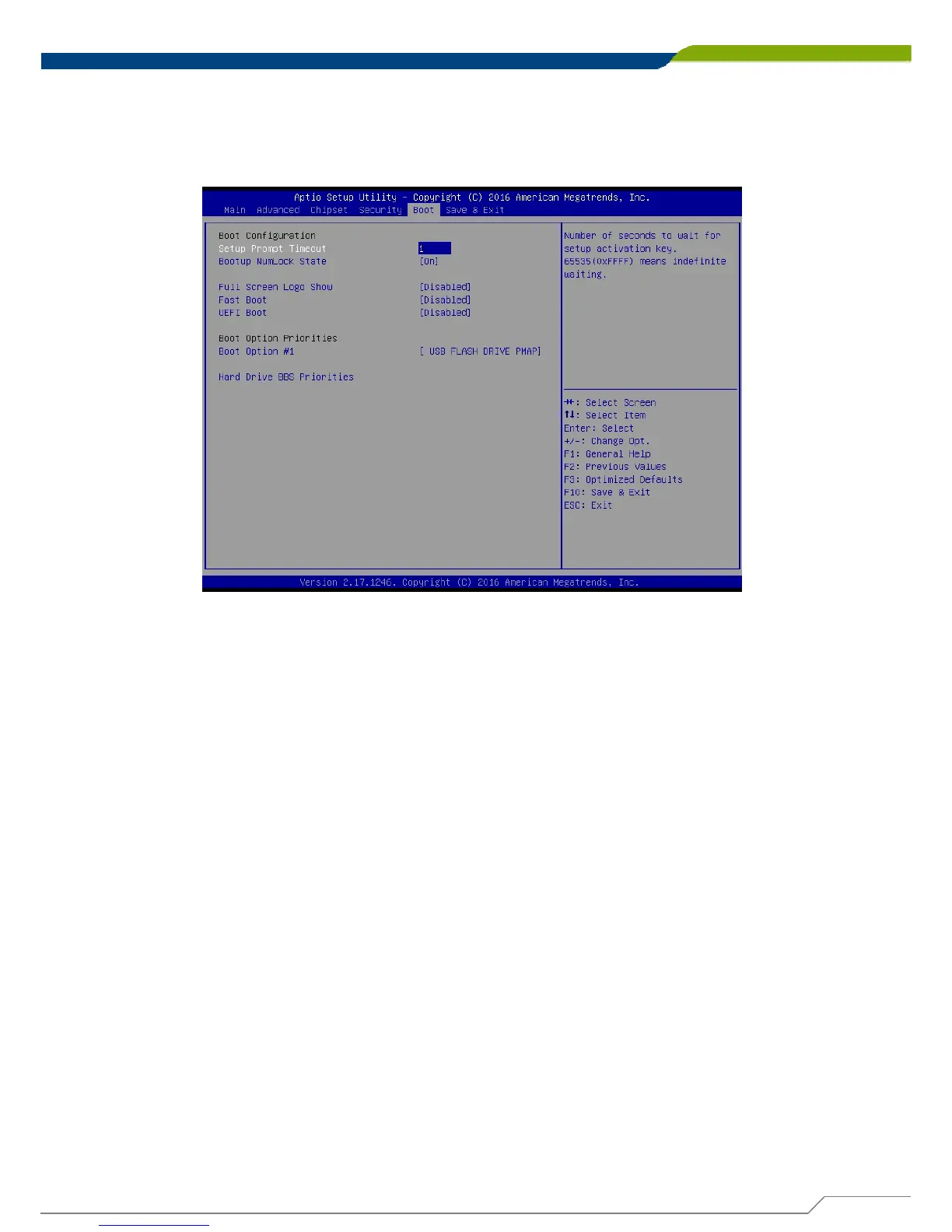
This section allows you to configure the boot settings. Following is the default
settings.
4.6.1 Setup Prompt Timeout
Use this item to set number of seconds to wait for setup activation key.
4.6.2 Bootup NumLock State
Select the Power-on state for NumLock key.
4.6.3 Full Screen Logo Show
This item allows user to enable or disable full screen logo show.
4.6.4 Fast Boot
This item allows user to enable or disable Fast Boot option.
4.6.5 UEFI Boot
This allows to boot device with UEFI-based (not legacy) OS.



 To Next Page