DA-1000 User’s Manual
Chapter 4: BIOS Setup
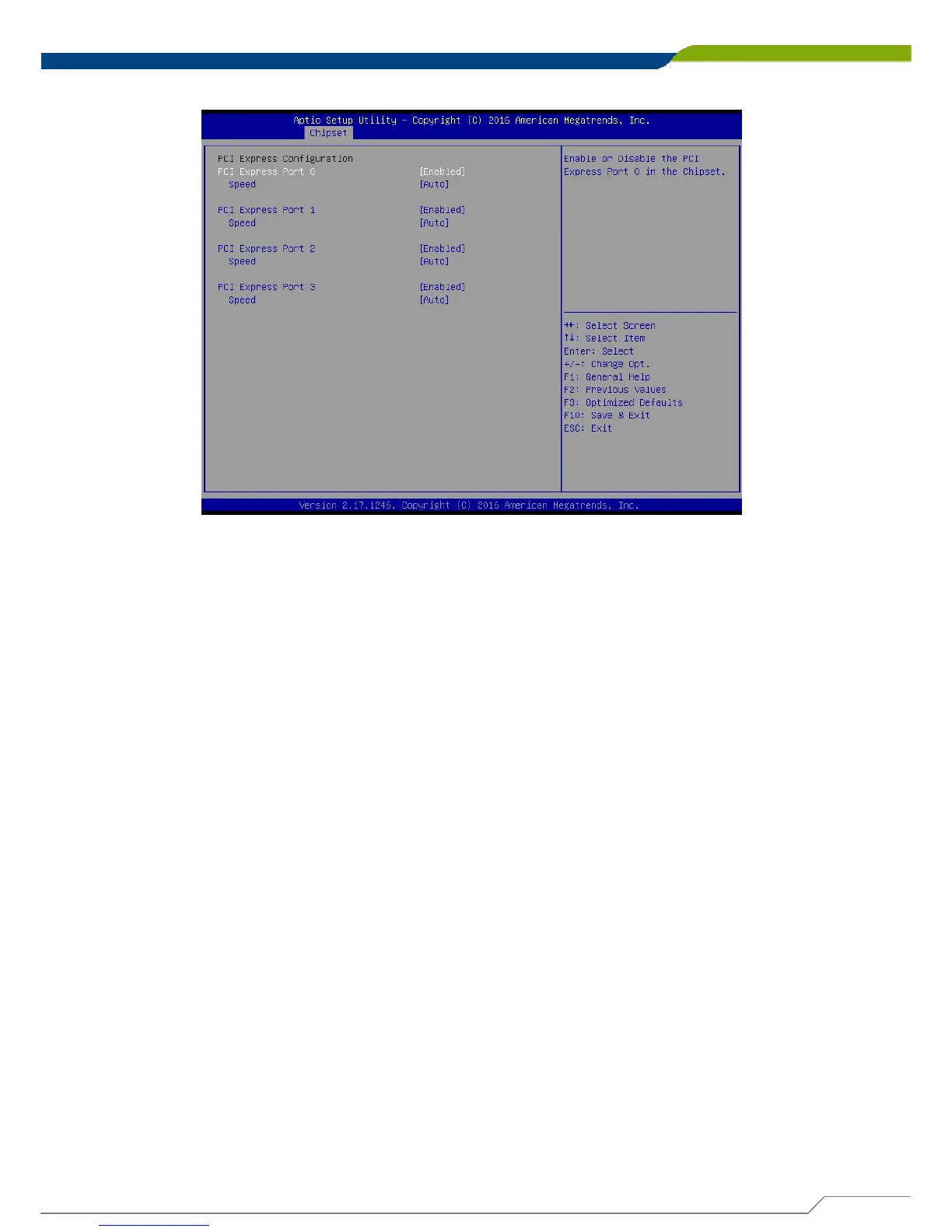
■ PCI Express Configuration
PCI Express Port 0
This item will allow users to enable or disable PCI Express Port 0.
Speed
Change the PCI Express interface speed. Select <AUTO> ,<Gen 2> or <Gen 1>
PCI Express Port 1
This item will allow users to enable or disable PCI Express Port 1.
Speed
Change the PCI Express interface speed. Select <AUTO> ,<Gen 2> or <Gen 1>
PCI Express Port 2
This item will allow users to enable or disable PCI Express Port 2.
Speed
Change the PCI Express interface speed. Select <AUTO> ,<Gen 2> or <Gen 1>
PCI Express Port 3
This item will allow users to enable or disable PCI Express Port 3.
Speed
Change the PCI Express interface speed. Select <AUTO> ,<Gen 2> or <Gen 1>
73



 To Next Page