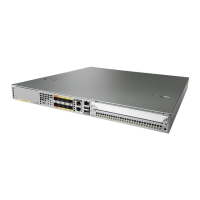
Cisco ASR 1001-HX Router
The Cisco ASR 1001-HX Router has two DIMM slots and supports 8-GB configuration by default (two 4-GB
DIMMS), and can be upgraded to 16-GB (two 8-GB DIMMS) configuration.
The following table shows the slots that are supported for inserting the memory DIMMs in the Cisco ASR
1001-HX Router.
Table 18: Cisco ASR 1001-HX Router: Supported Slots for Inserting the DIMMs
Slot 1Slot 0Memory PID Option
4 GB4 GBM-ASR1001HX-8GB (default)
8 GB8 GBM-ASR1001HX-16GB (upgrade)
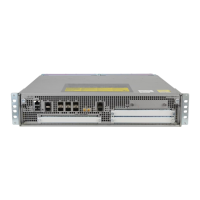
Cisco ASR 1002-HX Router
The Cisco ASR 1002-HX Router has four DIMM slots and supports 16-GB configuration by default (two
8-GB DIMMS), and can be upgraded to 32-GB (four 8-GB DIMMS) configuration.
To ensure that each memory channel uses DIMMs from the same vendor, you must move the 8 GB DIMM
from Channel A, Slot 1, to Channel B, Slot 2. You can then install the upgrade DIMMs in Channel A,
Slots 0 and 1.
Caution
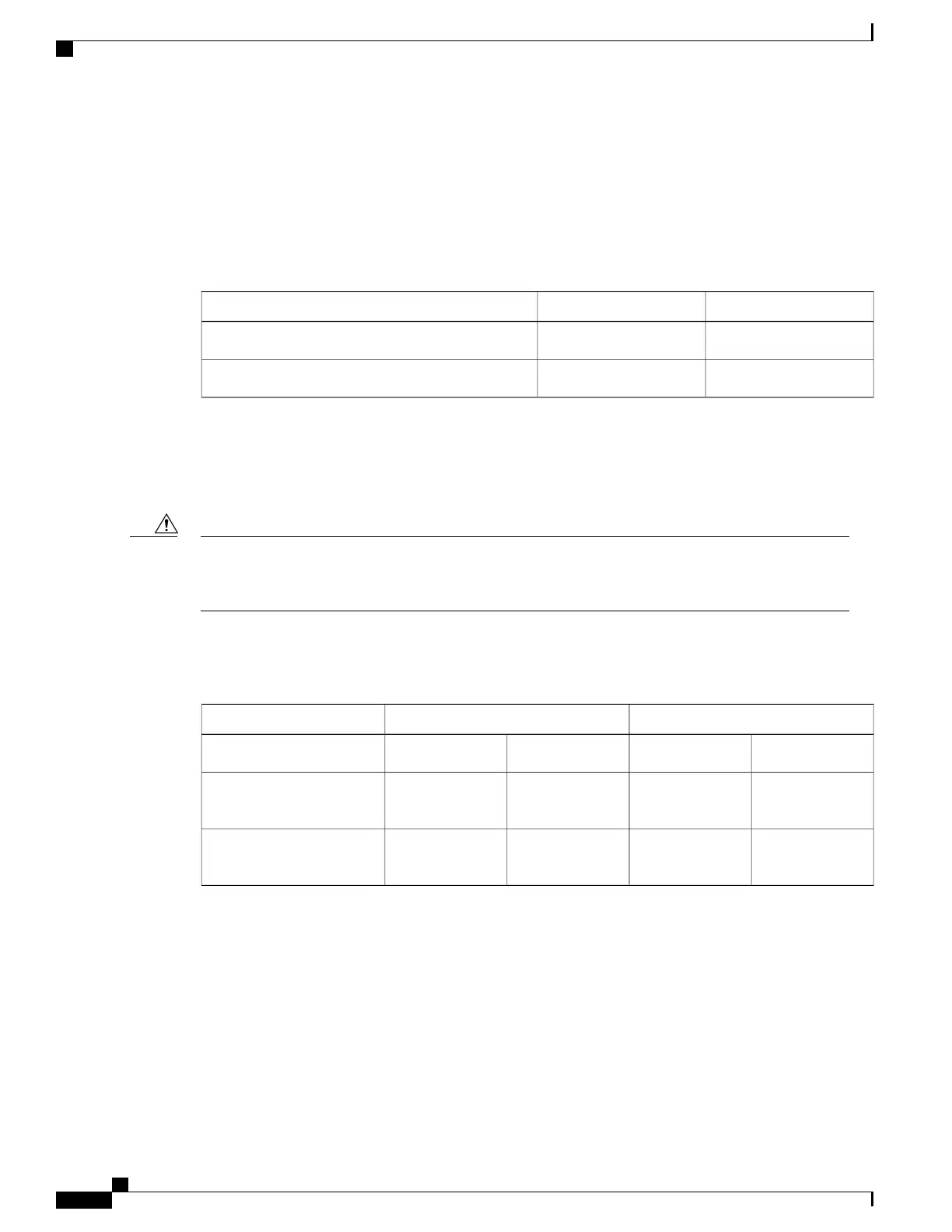
The following table shows the slots that are supported for inserting the memory DIMMs in the Cisco ASR
1002-HX Router.
Table 19: Cisco ASR 1002-HX Router: Supported Slots for Inserting the DIMMs
Memory Channel BMemory Channel AMemory PID Option
Slot 3 (U1DB1)Slot 2 (U1DB0)Slot 1 (U1DA1)Slot 0 (U1DA0)
8 GB
–
8 GB
–
M-ASR1002HX-16GB
(default)
8 GB8 GB8 GB8 GBM-ASR1002HX-32GB
(upgrade)
Removing a DIMM from a Cisco ASR 1001-HX Router
Before You Begin
Perform the following steps before you begin the process of removing and replacing a DIMM from a Cisco
ASR 1001-HX Router:
•
Use an ESD-preventive wrist strap.
Cisco ASR 1001-HX Router and Cisco ASR 1002-HX Router Hardware Installation Guide
118
Removing and Replacing FRUs
Removing a DIMM from a Cisco ASR 1001-HX Router


 To Next Page
 Loading...