D15330.06 SX10 Administrator Guide CE9.1, JUNE 2017. www.cisco.com — Copyright © 2017 Cisco Systems, Inc. All rights reserved.
12
Cisco TelePresence SX10 Quick Set Administrator Guide
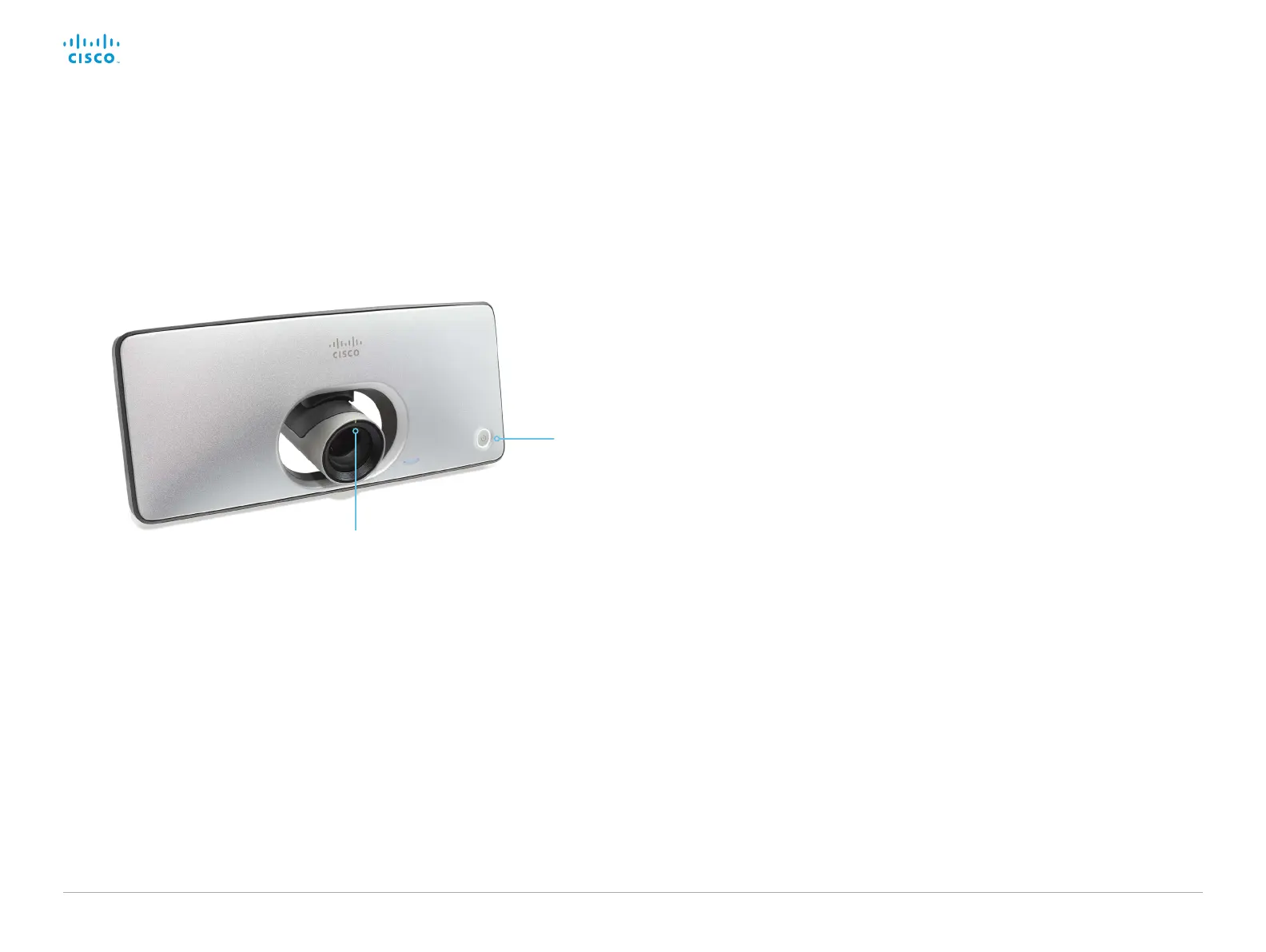
Status LED
The status LED is a circle around the power button.
The normal LED color is white. A red light indicates
hardware failure.
Normal operation (not standby):
Steady light.
In standby mode:
The LED pulsates slowly.
No network connection:
The LED repeatedly flashes twice.
During startup (boot):
The LED flashes.
Camera LED
The camera LED is just above the camera lens.
Incoming call:
The LED flashes.
In call:
Steady light.
LED indicators
Status LED around
the power button
Camera LED














 To Next Page