D15330.06 SX10 Administrator Guide CE9.1, JUNE 2017. www.cisco.com — Copyright © 2017 Cisco Systems, Inc. All rights reserved.
58
Cisco TelePresence SX10 Quick Set Administrator Guide
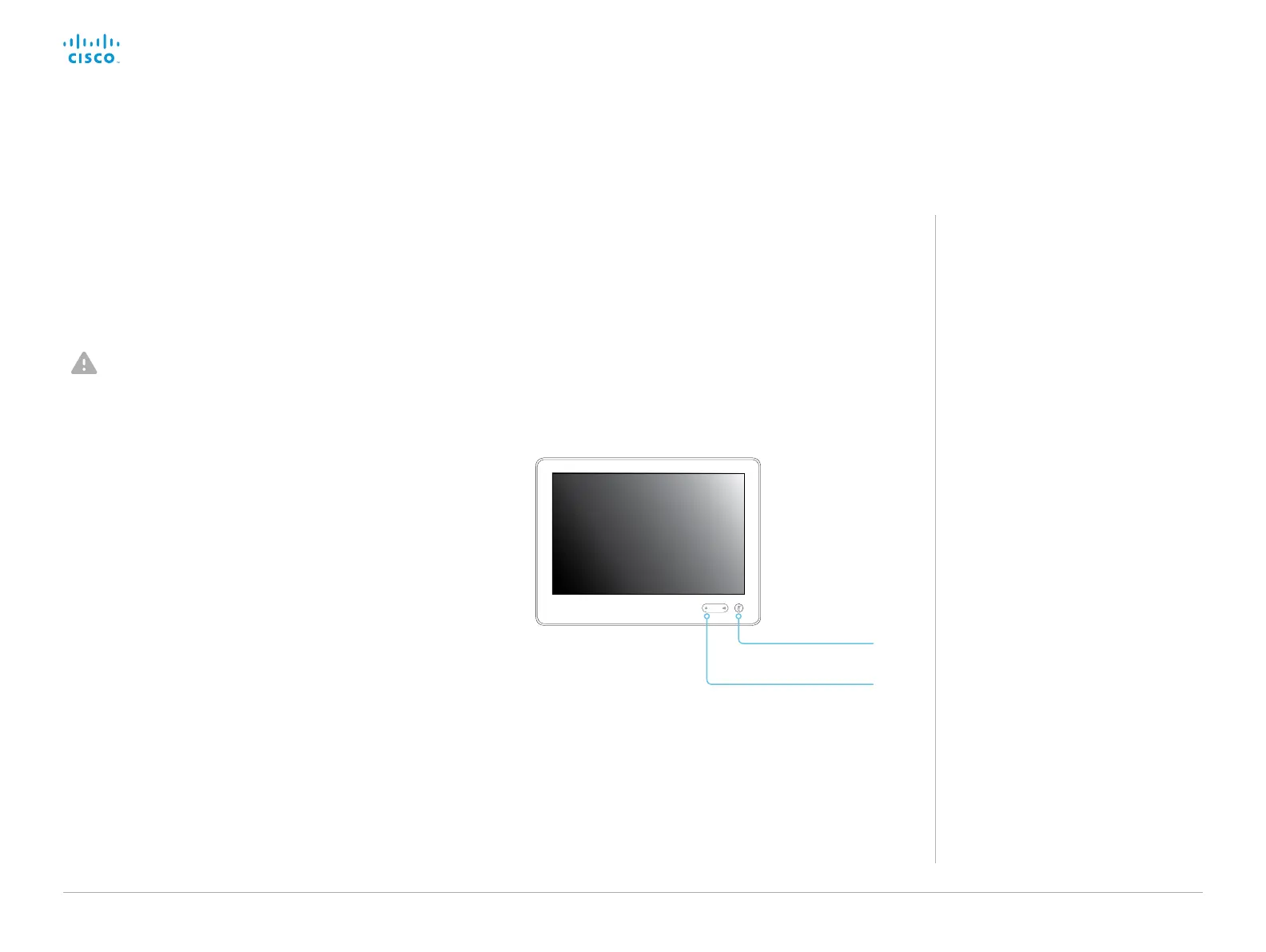
Mute
Volume down
In an error situation it may be required to factory reset the Touch
controller to recover connectivity. This should be done only when
in contact with the Cisco support organization.
When factory resetting the Touch controller the pairing
information is lost, and the Touch itself (not the video system) is
reverted to factory defaults.
It is not possible to undo a factory reset.
Factory reset the Touch 10
About pairing and how to
connect Touch 10 to the
video system
In order to use the Touch 10 controller,
Touch 10 must be paired to the codec via
LAN (remote pairing).
Read about pairing and how to connect
Touch 10 to the video system in the
► Connect the Touch 10 controller
chapter.
1. Locate the Mute and Volume down buttons.
2. Press and hold the Mute button until it starts blinking (red and
green). It takes approximately 10 seconds.
3. Press the Volume down button twice.
Touch 10 automatically reverts to the default factory settings
and restarts.
Touch 10 must be paired to the video system anew.
When successfully paired it receives a new configuration
automatically from the video system.














 To Next Page