D15330.06 SX10 Administrator Guide CE9.1, JUNE 2017. www.cisco.com — Copyright © 2017 Cisco Systems, Inc. All rights reserved.
146
Cisco TelePresence SX10 Quick Set Administrator Guide
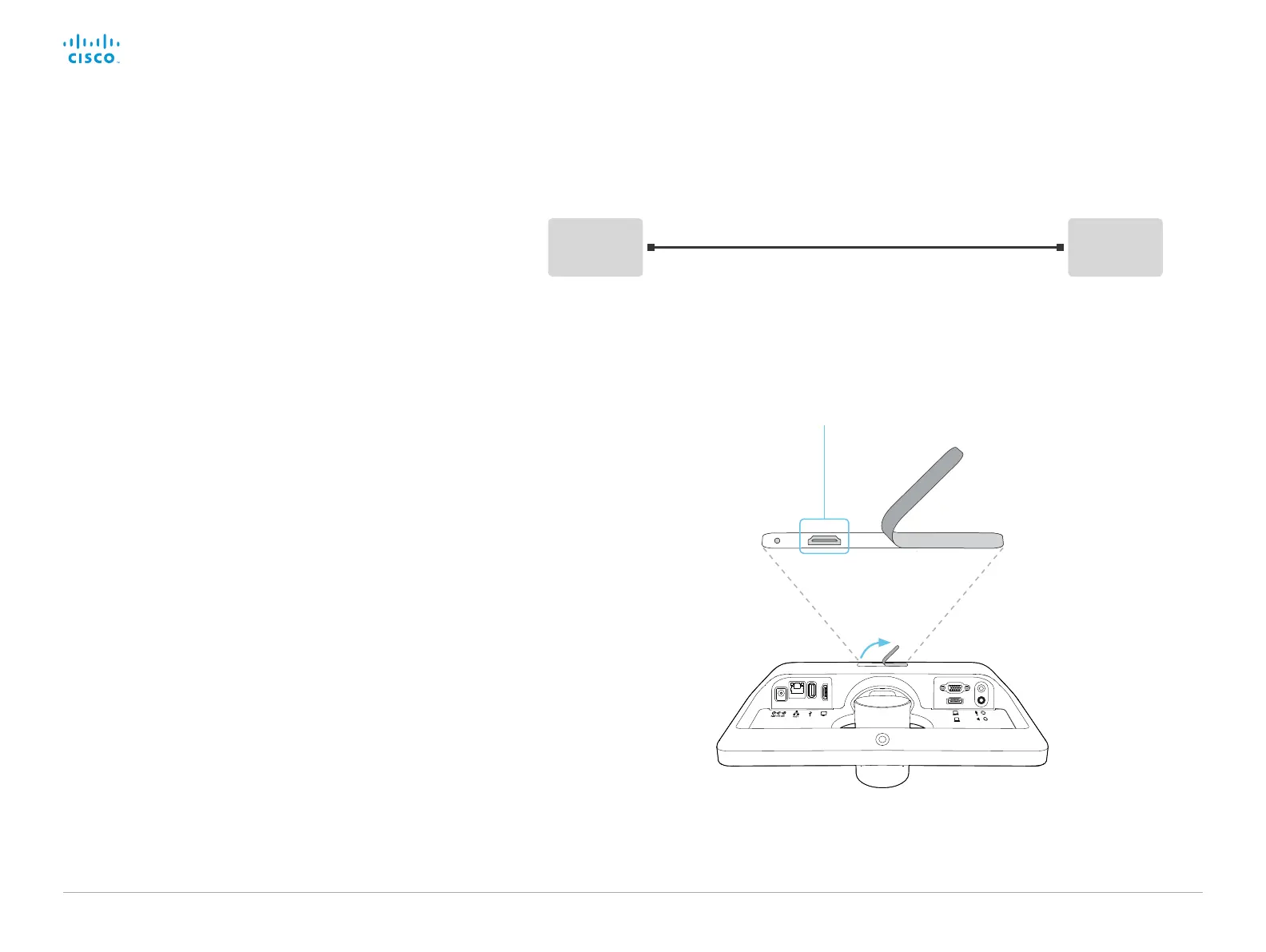
Micro USB connector
Lift the rubber flap
to get access to the
micro USB connector.
Computer
Video
system
USB Micro USB
USB to micro USB cable
Serial interface
Use the micro USB connector for direct communication with
the video system. You need a micro USB to USB cable. If the
computer doesn’t auto-install a serial port driver, you need to
install a serial port driver on the computer manually.
Use a terminal emulator (SSH client) to connect to the serial
interface. For the most common computer types (PC, MAC) and
operating systems, PuTTY or Tera Term will work.
The serial connection can be used without an IP-address, DNS, or
a network.
Parameters:
• Baud rate: 11520 0 bps
• Data bits: 8
• Parity: None
• Stop bit: 1
• Hardware flow control: Off
Video system settings
Serial communication is enabled by default. Use the following
configuration to change the behavior:
SerialPort > Mode
For security reasons, you are asked to sign in before using the
serial interface. Use the following setting to change the behavior:
SerialPort > LoginRequired
Restart the video system when you have made changes to the
serial port settings.
If your video system is provisioned by CUCM, the serial port
settings should be configured from CUCM.














 To Next Page