D15330.06 SX10 Administrator Guide CE9.1, JUNE 2017. www.cisco.com — Copyright © 2017 Cisco Systems, Inc. All rights reserved.
50
Cisco TelePresence SX10 Quick Set Administrator Guide
*
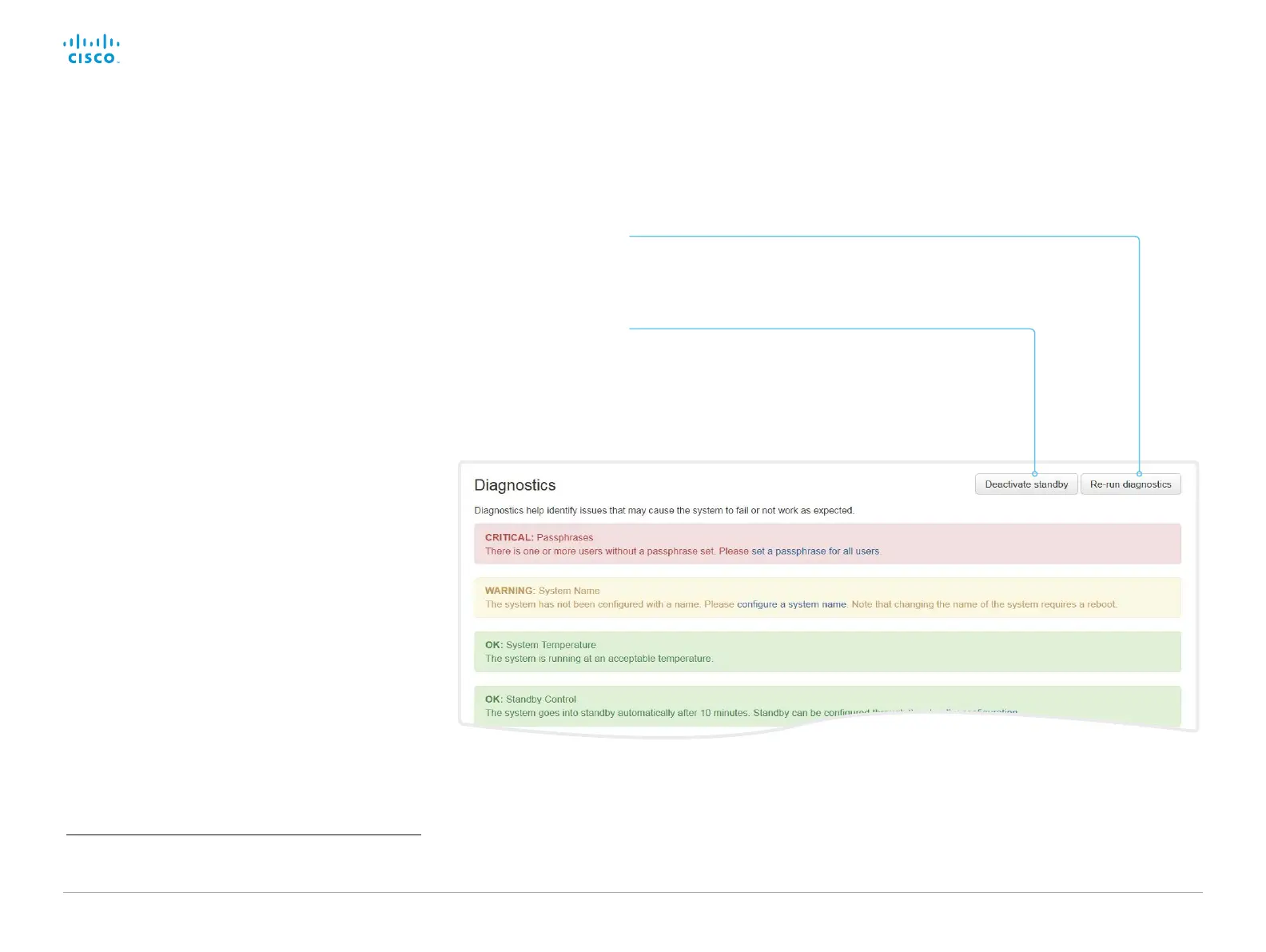
The messages shown in the illustration serve as examples. Your system
may show other information.
Sign in to the web interface and navigate to Maintenance >
Diagnostics.
The diagnostics page lists the status for some common
sources of errors
*
.
Errors and critical issues are clearly marked in red color;
warnings are yellow.
Run diagnostics
Run diagnostics
Click Re-run diagnostics to ensure that
the list is up to date.
Leave standby mode
Click Deactivate standby to wake up a
video system that is in standby mode.














 To Next Page