D15330.06 SX10 Administrator Guide CE9.1, JUNE 2017. www.cisco.com — Copyright © 2017 Cisco Systems, Inc. All rights reserved.
145
Cisco TelePresence SX10 Quick Set Administrator Guide
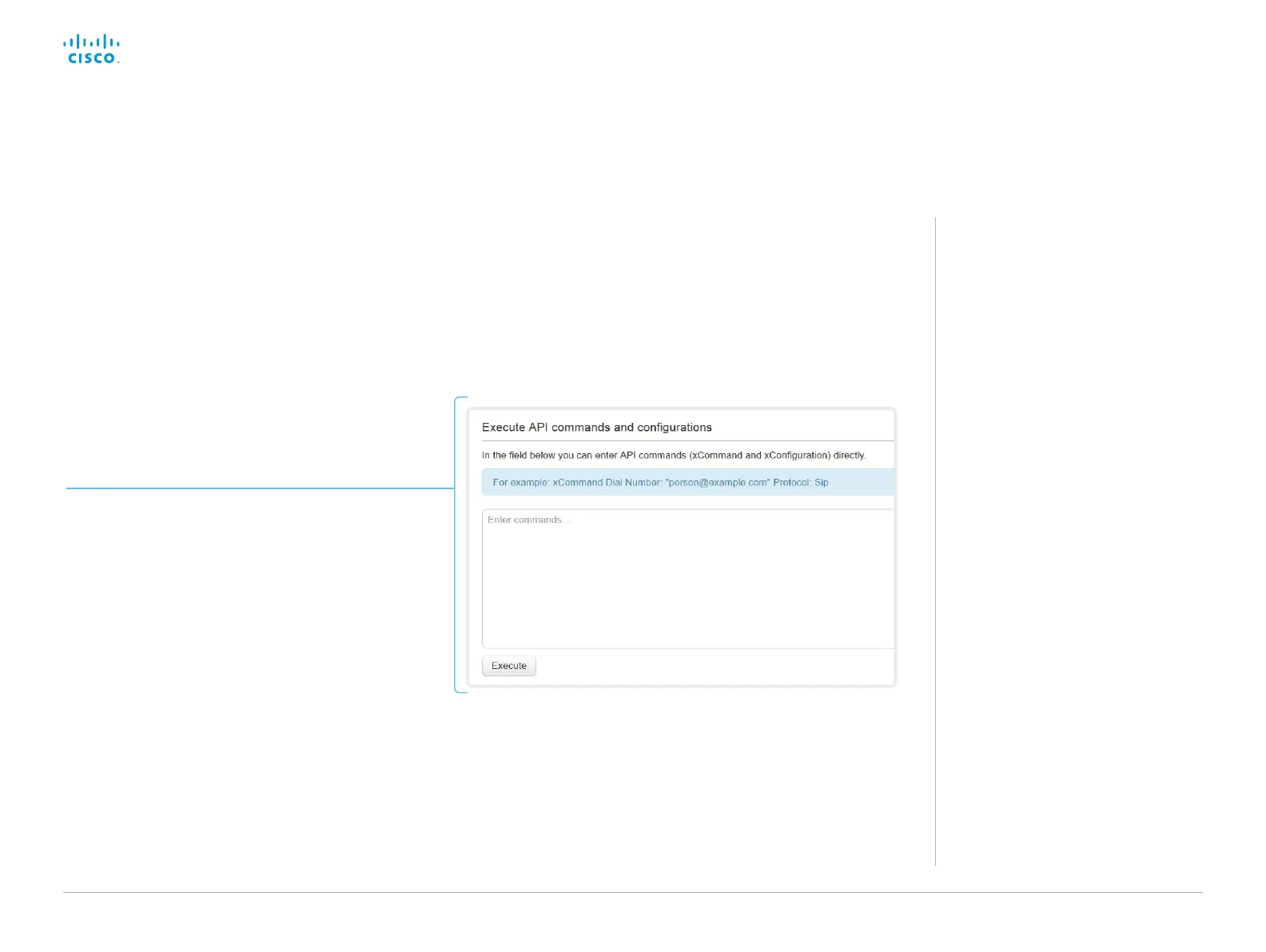
Sign in to the web interface and navigate to Integration >
Developer API.
Commands (xCommand) and configurations (xConfiguration) can
be executed from the web interface. Syntax and semantics are
explained in the API guide for the video system.
Execute API commands and configurations from the web interface
Execute API commands and configurations
1. Enter a command (xCommand or xConfiguration),
or a sequence of commands, in the text area.
2. Click Execute to issue the command(s).
About the API
The application programming interface
(API) is a tool for integration professionals
and developers working with the video
system. The API is described in detail in
the API guide for the video system.














 To Next Page