D15330.06 SX10 Administrator Guide CE9.1, JUNE 2017. www.cisco.com — Copyright © 2017 Cisco Systems, Inc. All rights reserved.
139
Cisco TelePresence SX10 Quick Set Administrator Guide
Local layout control
Sign in to the web interface and navigate to Call Control.
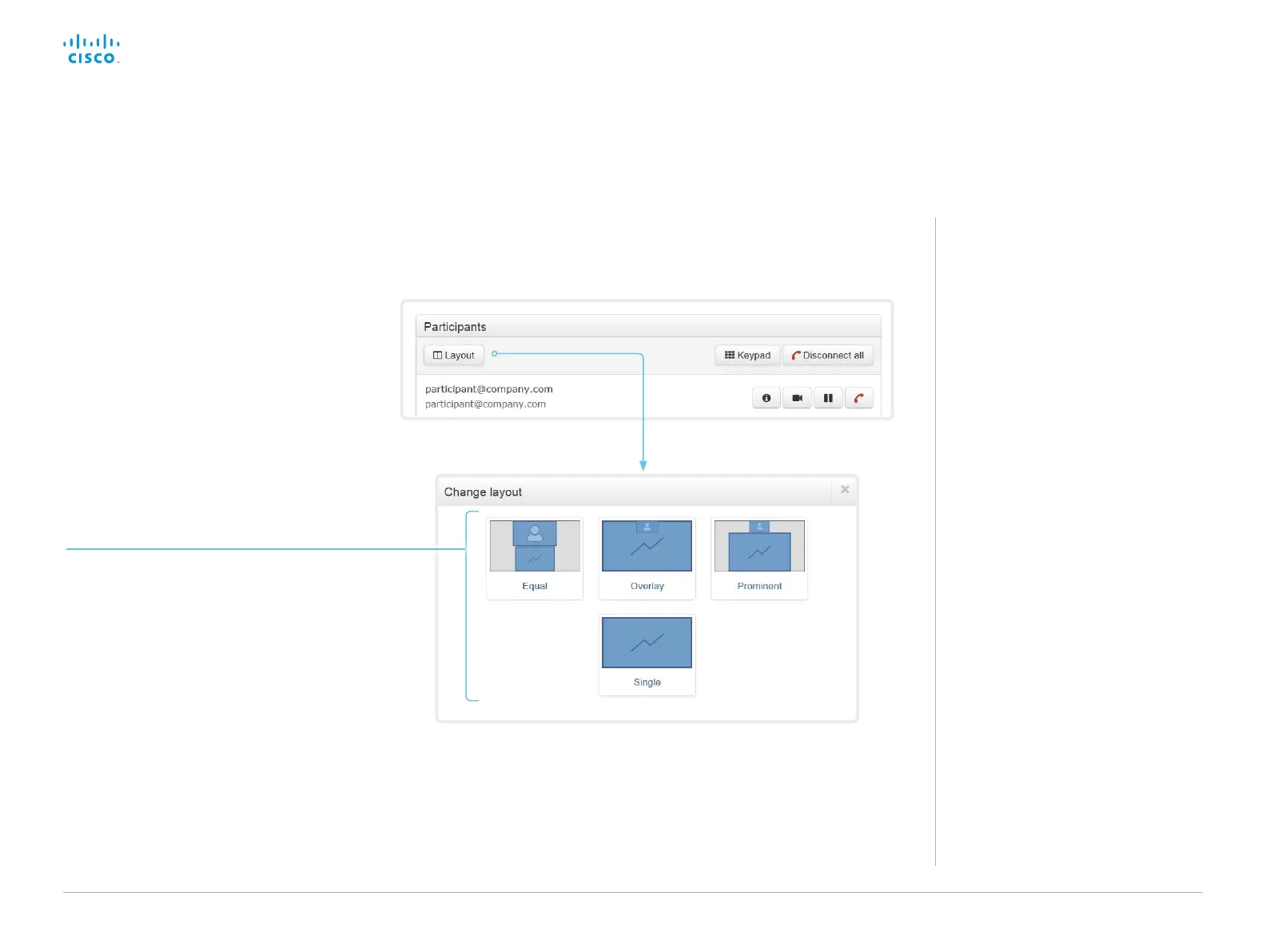
Change the layout
Click Layout, and choose your preferred
layout in the window that opens.
The set of layouts to choose from
depends on the system configuration.
You may change the layout both when idle
and in a call.
About layouts
The term layout is used to describe the
various ways presentations and videos
can appear on the screen. Different types
of meetings may require different layouts.














 To Next Page