D15330.06 SX10 Administrator Guide CE9.1, JUNE 2017. www.cisco.com — Copyright © 2017 Cisco Systems, Inc. All rights reserved.
137
Cisco TelePresence SX10 Quick Set Administrator Guide
Place a call using the web interface (page 2 of 2)
Sign in to the web interface and navigate to Call Control.
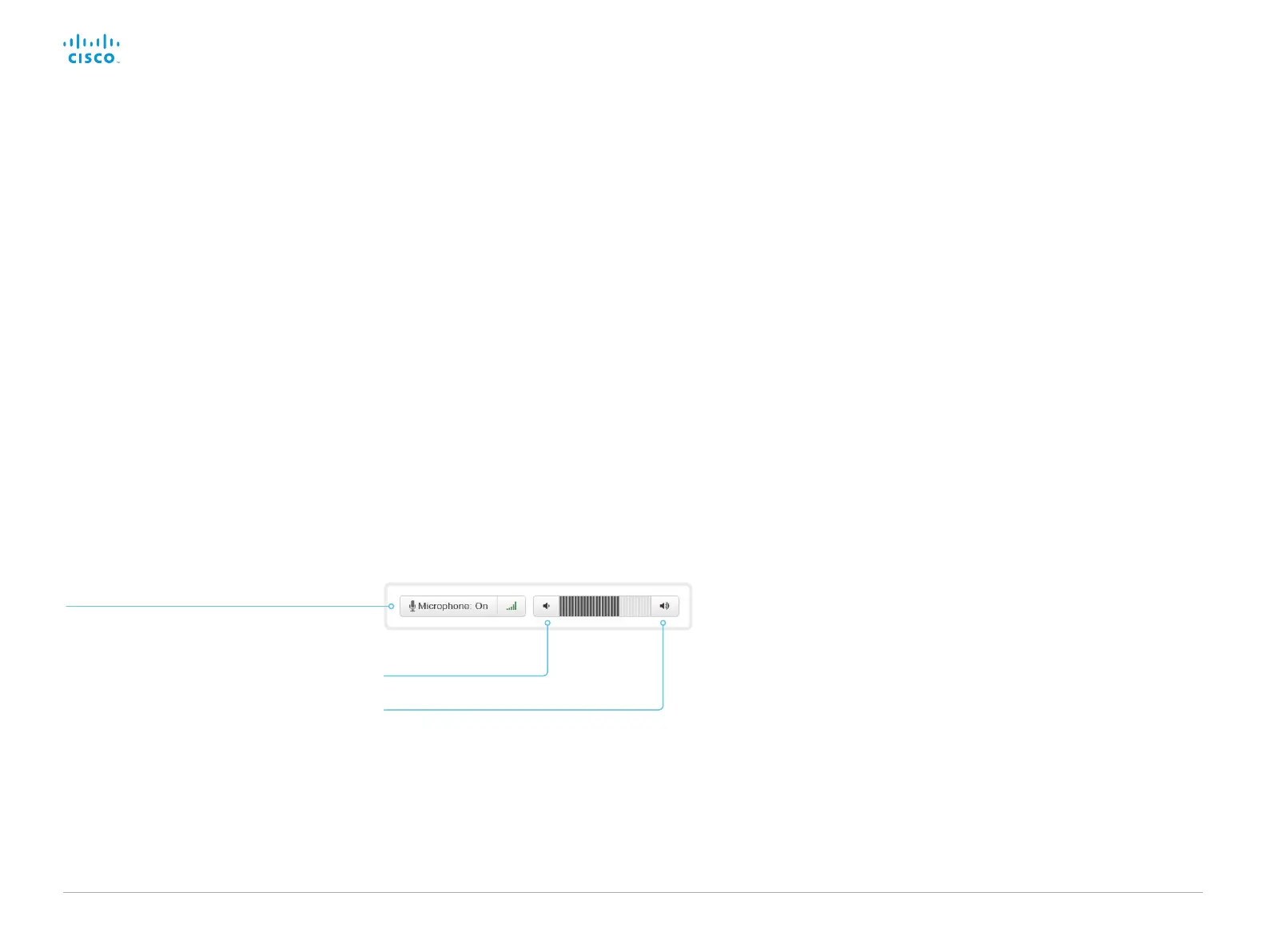
Mute the microphone
Click Microphone: On to mute the microphone.
Then the text changes to Microphone: Off.
Click Microphone: Off to unmute.
Volume up
Volume down
Adjust the volume
Calling more than one
Calling more than one using a conference bridge (CUCM ad hoc
conferencing) is not supported from the web interface, even if it is
supported by the video system itself.














 To Next Page