.
491
Audio and Telematics
Jumpy_en_Chap10d_RD6_ed01-2016
Select "Multimedia" and confirm.
Select "DAB / FM auto tracking"
and confirm
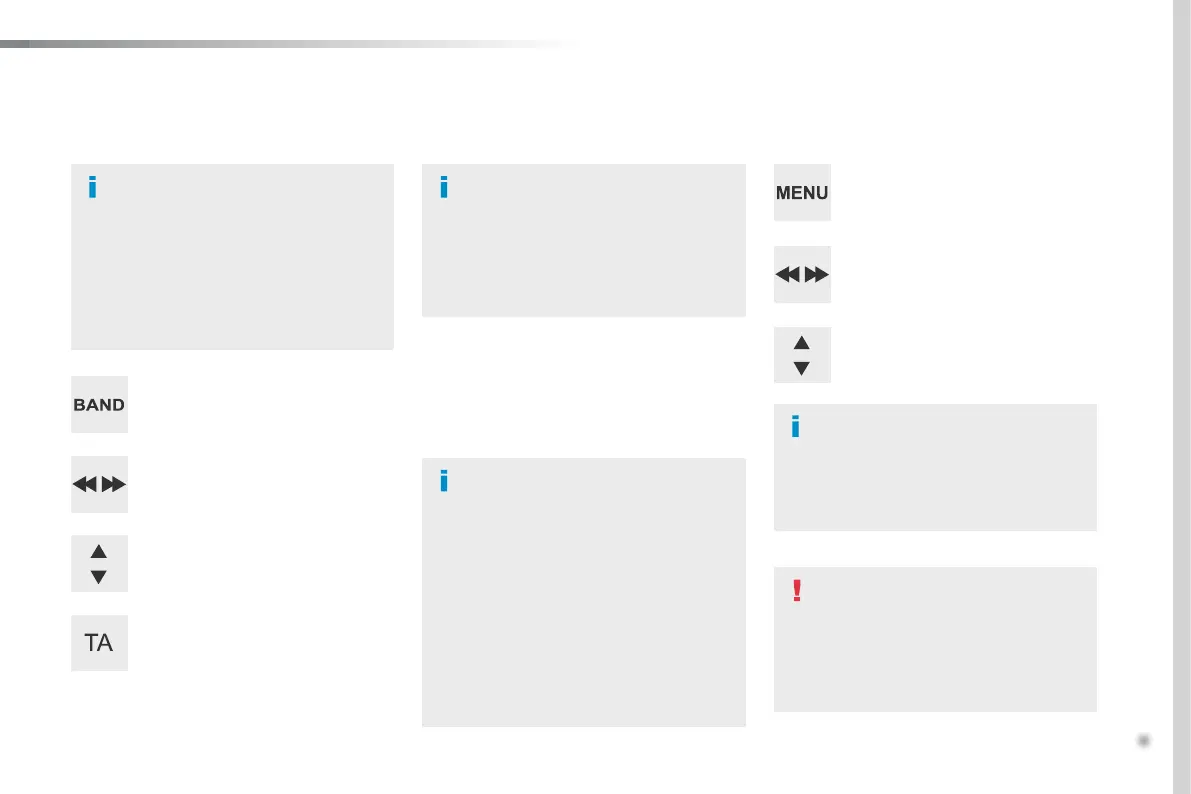
Long press: select the desired
categories of announcements from
Transport, News, Entertainment and
Flash special (availability according
to the station).
Change of station within the same
"multiplex service".
Press the "Menu" button.
Start a search for the previous / next
"multiplex service".
Change band (FM1, FM2, DAB,
...).
Digital radio provides a superior audio
quality and also additional categories of
traffic announcements (TA INFO).
The different "multiplex services"
offer a choice of radio stations in
alphabetical order.
Digital radio
When the radio station is displayed in
the screen, press on "OK" to display
the contextual menu.
(Frequency search (RDS), DAB
/ FM
auto tracking, RadioText (TXT) display,
Information on the station, ...)
DAB / FM tracking
"DAB" does not have 100% coverage of
the country.
When the digital signal is weak,
"DAB
/ FM auto tracking" allows you to
continue listening to the same station,
by automatically switching to the
corresponding analogue "FM" station
(if there is one).
When "DAB
/ FM auto tracking" is
active, the DAB station will be selected
automatically.
If "DAB / FM auto tracking" is activated,
there will be a difference of a few
seconds in the programme when the
system changes to analogue "FM" radio,
with sometimes a variation in volume.
If the "DAB" station you are listening
to is not available on "FM" ("DAB/FM"
option barred), or if "DAB
/ FM auto
tracking" is not on, the sound will be cut
when the digital signal is too weak.



 To Next Page