105
.
Audio and Telematics
Transversal-Citroen_en_Chap02_RCC-2-2-0_ed01-2016
Insert a USB memory stick in the USB port.
The system can read folders and image files in
the formats: .tiff; .gif; .jpg/jpeg; .bmp; .png.
Viewing photos
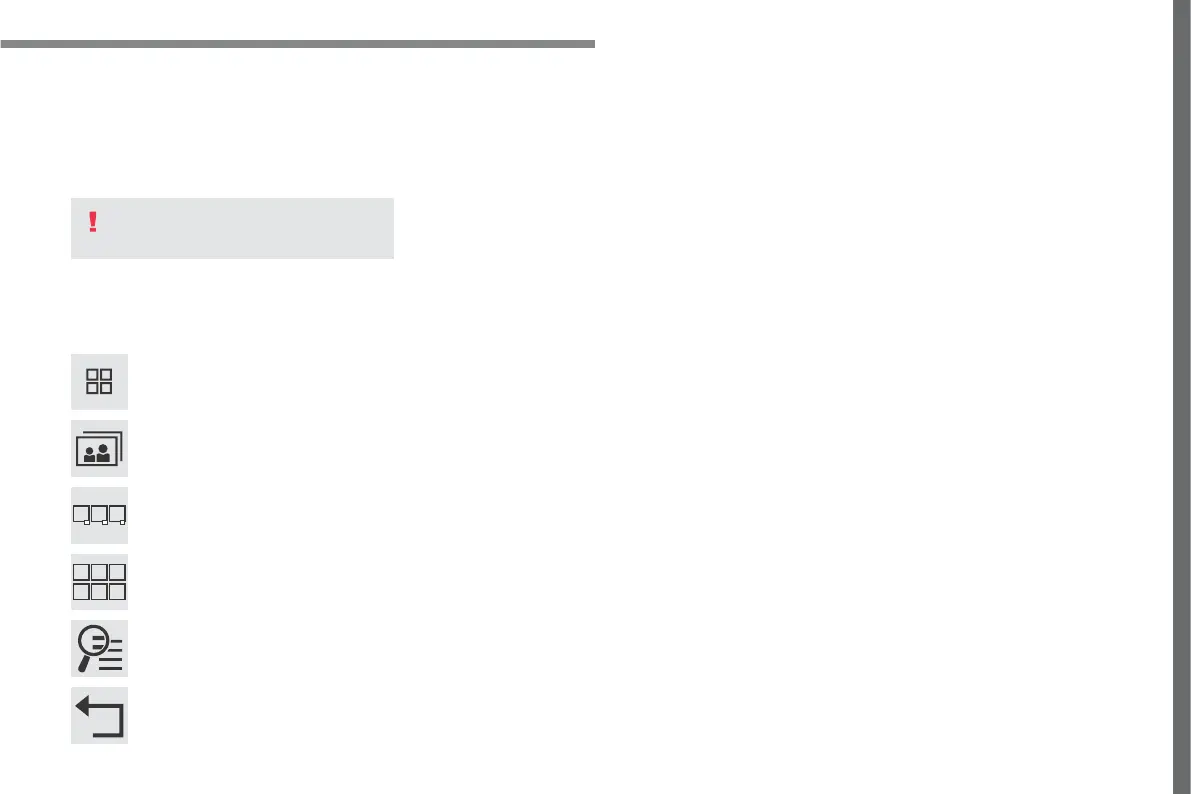
Press Applications to display the
primary page.
Press "Photos".
Select a folder.
Press this button to display the
details of the photo.
Press the back arrow to go back a
level.
Select an image to view.
To protect the system, do not use a
USB hub.



 To Next Page