109
.
1
1
1
2
3
4
5
5
5
Audio and Telematics
Transversal-Citroen_en_Chap02_RCC-2-2-0_ed01-2016
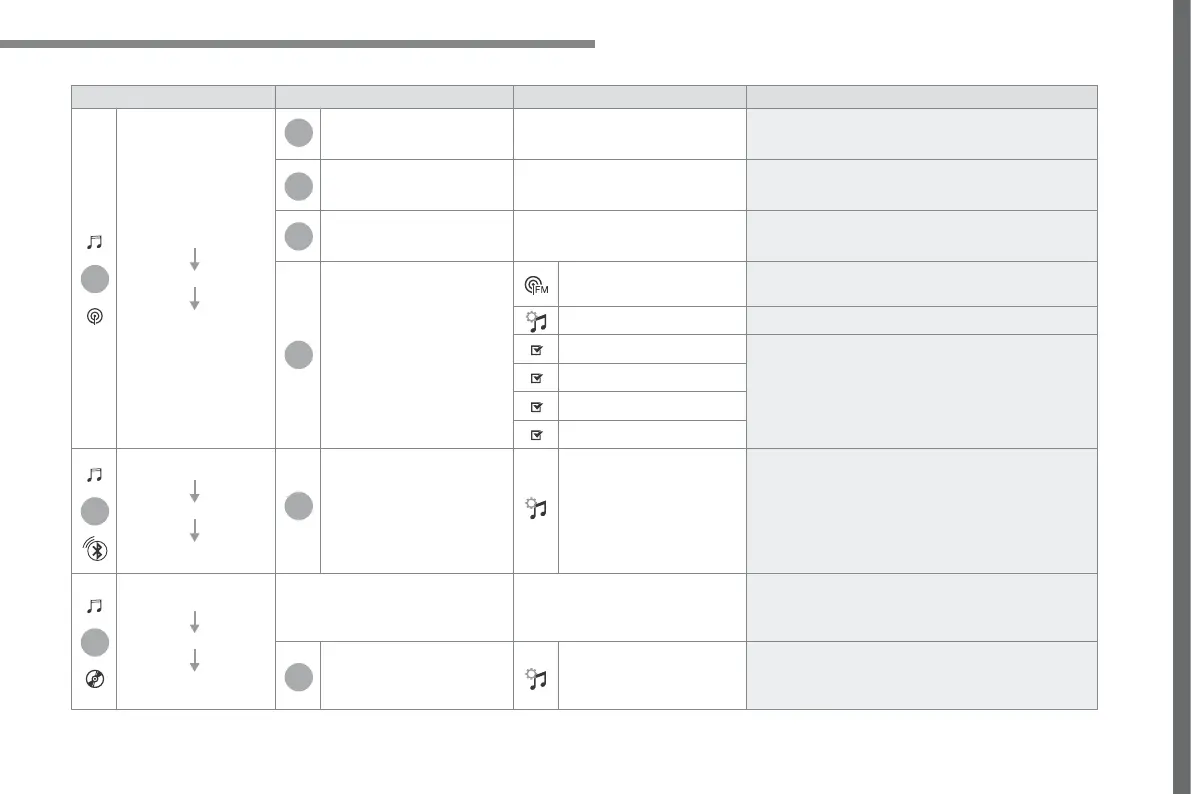
Level 1 Level 2 Level 3 Comments
Radio Media
SOURCES
Radio
Frequency Display the current radio station.
List Display the list of stations received.
Preset Select a preset station or preset a station.
OPTIONS
FM band / DAB band /
AM band
Press the band button to change band.
Audio settings Configure the audio settings.
News
Activate or deactivate the options.
TA
RDS
FM-DAB Follow-up
Radio Media
SOURCES
Bluetooth
OPTIONS Audio settings Configure the audio settings.
Radio Media
SOURCES
CD
Display the details of the music being played.
OPTIONS Audio settings Configure the audio settings.



 To Next Page