133
.
1
2
3
4
Audio and Telematics
Transversal-Citroen_en_Chap02_RCC-2-2-0_ed01-2016
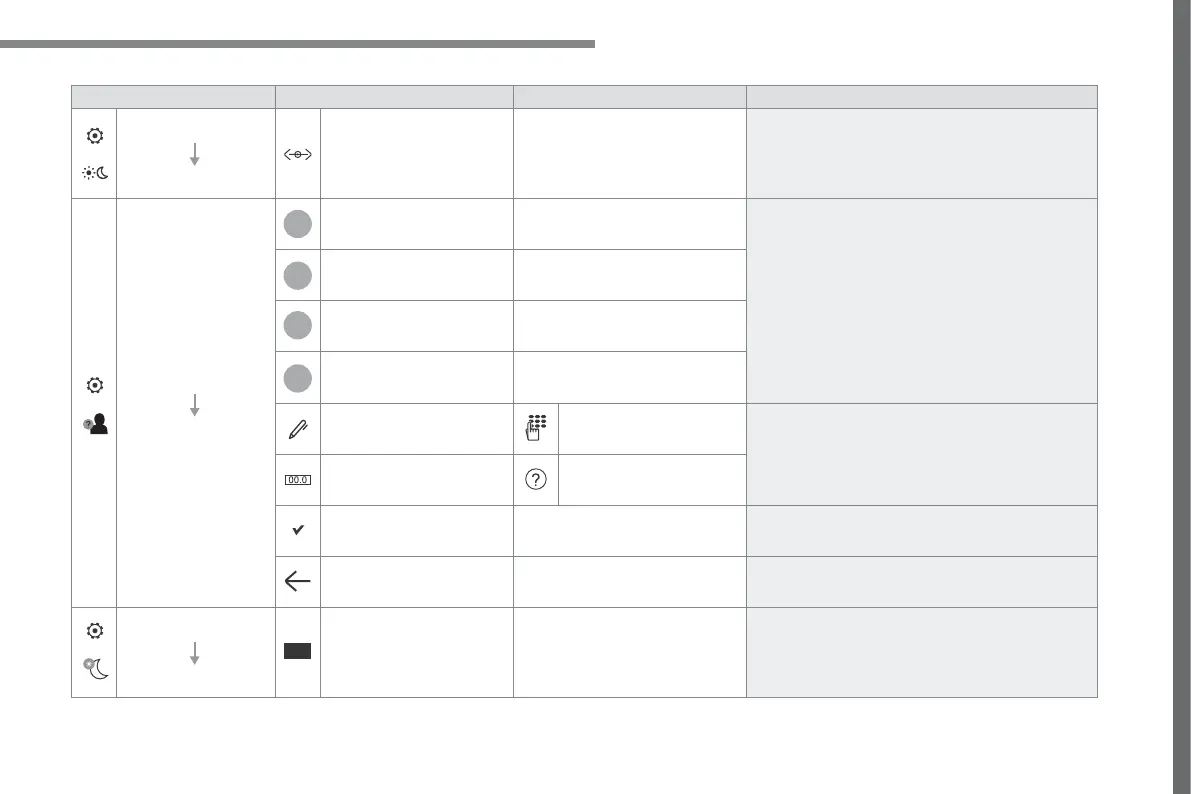
Level 1 Level 2 Level 3 Comments
Settings
Brightness
Ambience
Move the cursor to adjust the brightness of the
screen and/or of the instrument panel.
Settings
Profiles
Profile 1
Select a profile.
Profile 2
Profile 3
Common profile
Name:
Profile name
modification
Configure the profiles.
Reset the profile Yes / No
Profile activated Activate/deactivate the profile selected.
Save the settings.
Settings
Dark
Function which switches off the lit display.
Pressing the screen reactivates it.



 To Next Page