140
1
Audio and Telematics
Transversal-Citroen_en_Chap02_RCC-2-2-0_ed01-2016
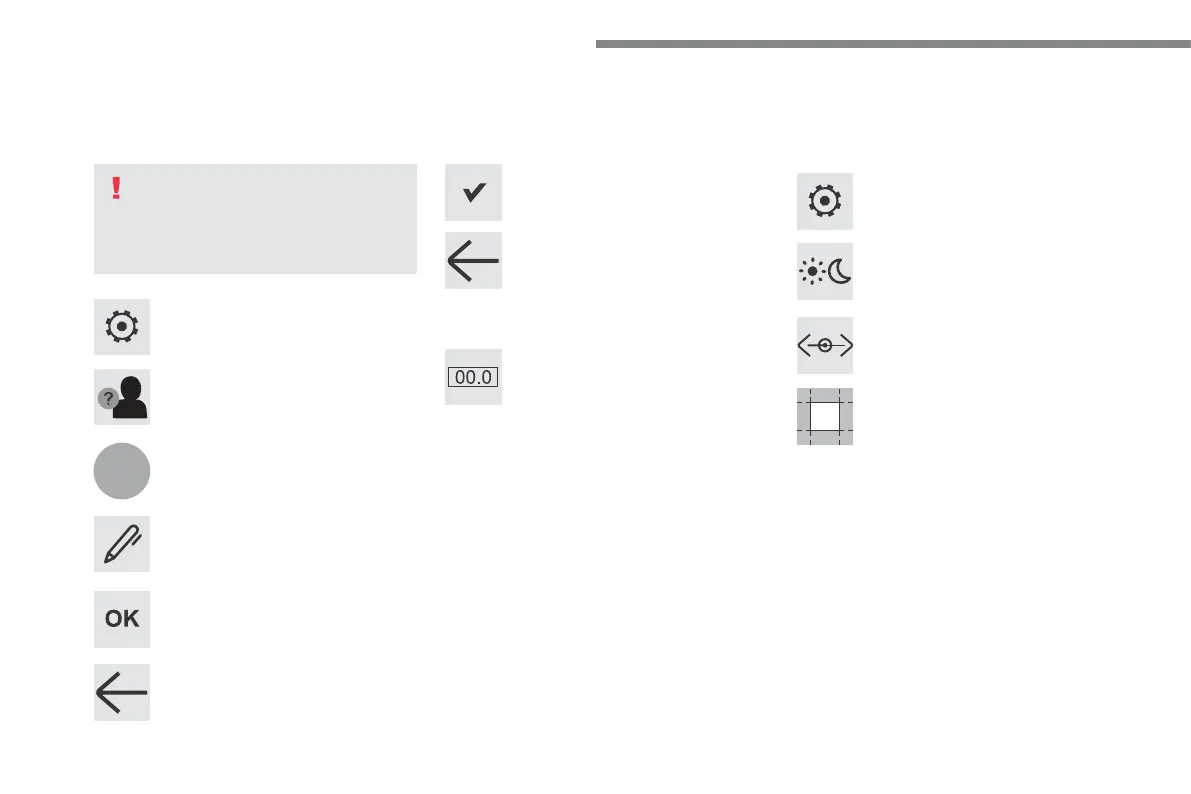
Press Settings to display the primary
page.
Profile settings Adjust the brightness
Press "OK" to save.
Select "Profile 1" or "Profile 2" or
"Profile 3" or "Common profile".
Press "Profiles".
Press this button to enter a name for
the profile using the virtual keypad
As a safety measure and because it
requires the sustained attention of the
driver, changes to settings must only be
done with the vehicle stationary.
Press this button to activate the
profile.
Press this button to initialise the
profile selected.
Press Settings to display the primary
page.
Move the cursor to adjust the brightness
of the screen and/or of the instrument
panel (according to version).
Press Brightness.
Press in the grey zone to confirm.
Press the back arrow to confirm.
Press the back arrow again to
confirm.



 To Next Page