7
English
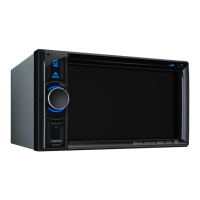
NX502E
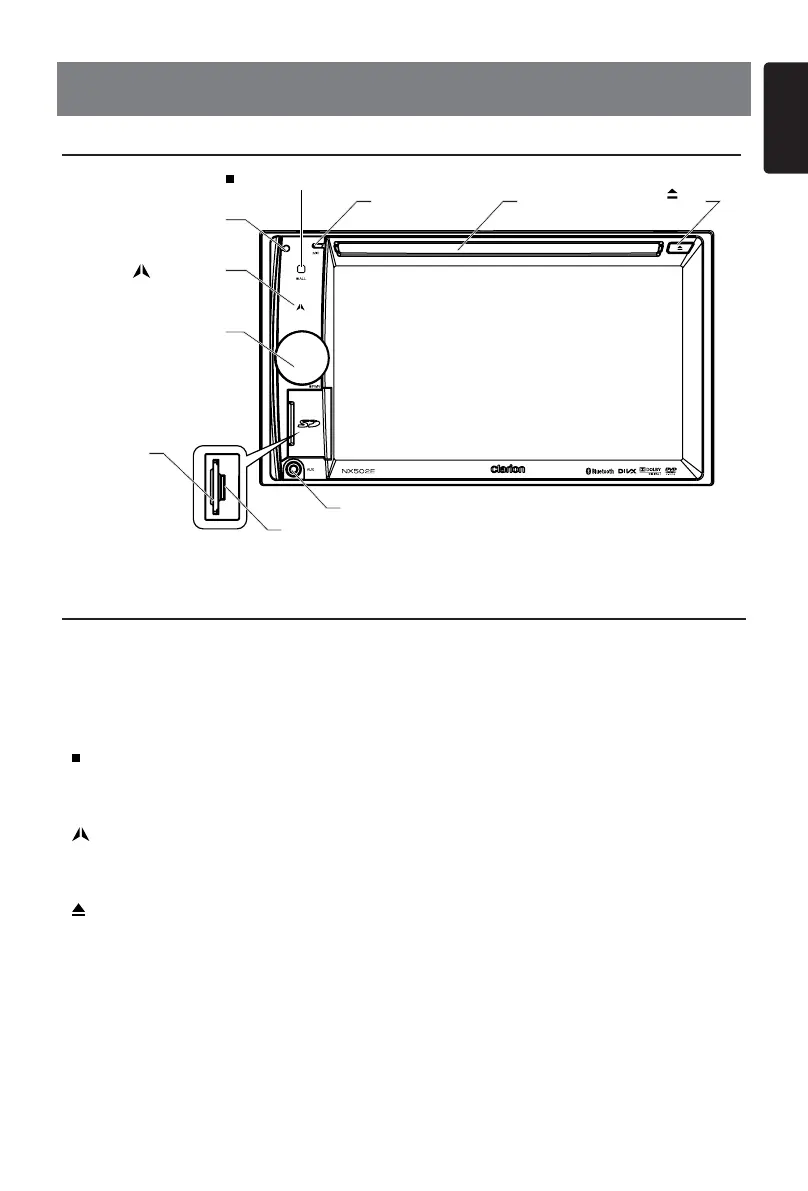
[POWER/VOL]Knob
• Press to power on the system when ignition on.
• When power on, short press to mute the volume.
• Rotate the knob to increase or decrease the volume.
• Press and hold this key more than 1 second to turn off the system.
[ ALL]ALLMENUButton
• Short press to show/exit shortcut menu.
• Long press to show/exit main source menu.
[ ]NAVI/AVButton
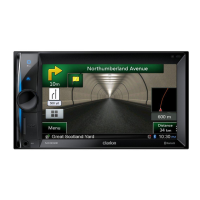
• Press to enter navigation mode;
• Press again to return current source.
[ ]EJECTButton
• Press to eject disc.
[ MIC ] Hole
• Internal microphone
[RESET]Button
• Press to load original settings.
Note: When the [RESET] button is pressed, frequencies of radio stations, titles, etc. stored
in memory are cleared.
4. CONTROLS
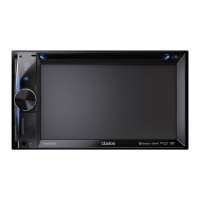
Operational Panel
Names of Buttons
AUXJack
SD/MMC
CardSlot
[MIC]
DiscSlot
RESET
[POWER/VOL]
[ ALL ] ALL MENU
[ ]
EJECT
[
] NAVI/AV
MicroSDcardslot
Only navigation map card is available and don't
remove it when unit is power on.


 To Next Page