3.4
Steering System • Key/Start Switch • Diagnostic Display
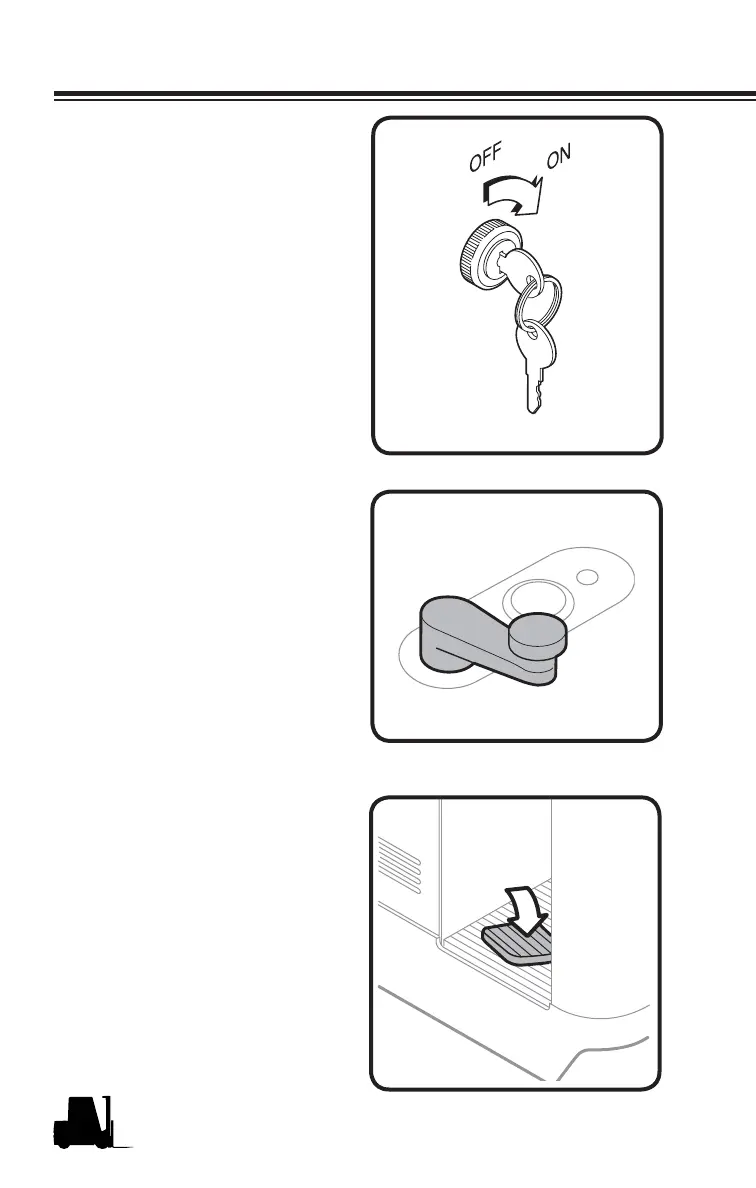
Key/Start Switch
• Connects the battery with all
truck operating systems (drive,
lift, and steer electrical circuits)
including the horn.
• Connects battery to the diag-
nostic display.
The key switch must always be
turned to the ON position to operate
the truck. When the key is in the
vertical OFF position, instruments,
drive and pump motor electrical
circuits are disconnected (shut-off),
and the key can be removed. The
horn will not operate if the key switch
is turned Off.
Operator Controls
65702
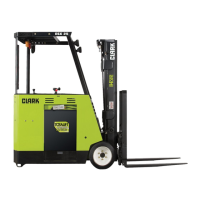
Steering System
The steering tiller has a "soft grip"
knob to control the hydraulically-as-
sisted power steering. The tiller is
oriented for maximum ease of use
in forward or reverse travel.
657042
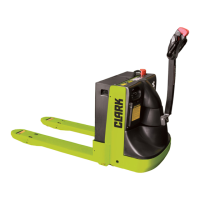
Parking Brake System (Emer-
gency Brake)
Consists of spring-applied electro-
magnetic release disc brakes. The
parking brakes are activated by
allowing the brake pedal to rise.
This brake should never be used
as the normal stopping device for
the truck. The parking brake will
automatically be applied after the
truck has come to a complete stop
and will not release until the multi
function control lever is moved into
the forward or reverse direction.
The parking brake pedal must be
depressed to allow the truck to move
forward or reverse or to operate the
hydraulic functions.
657043



 To Next Page