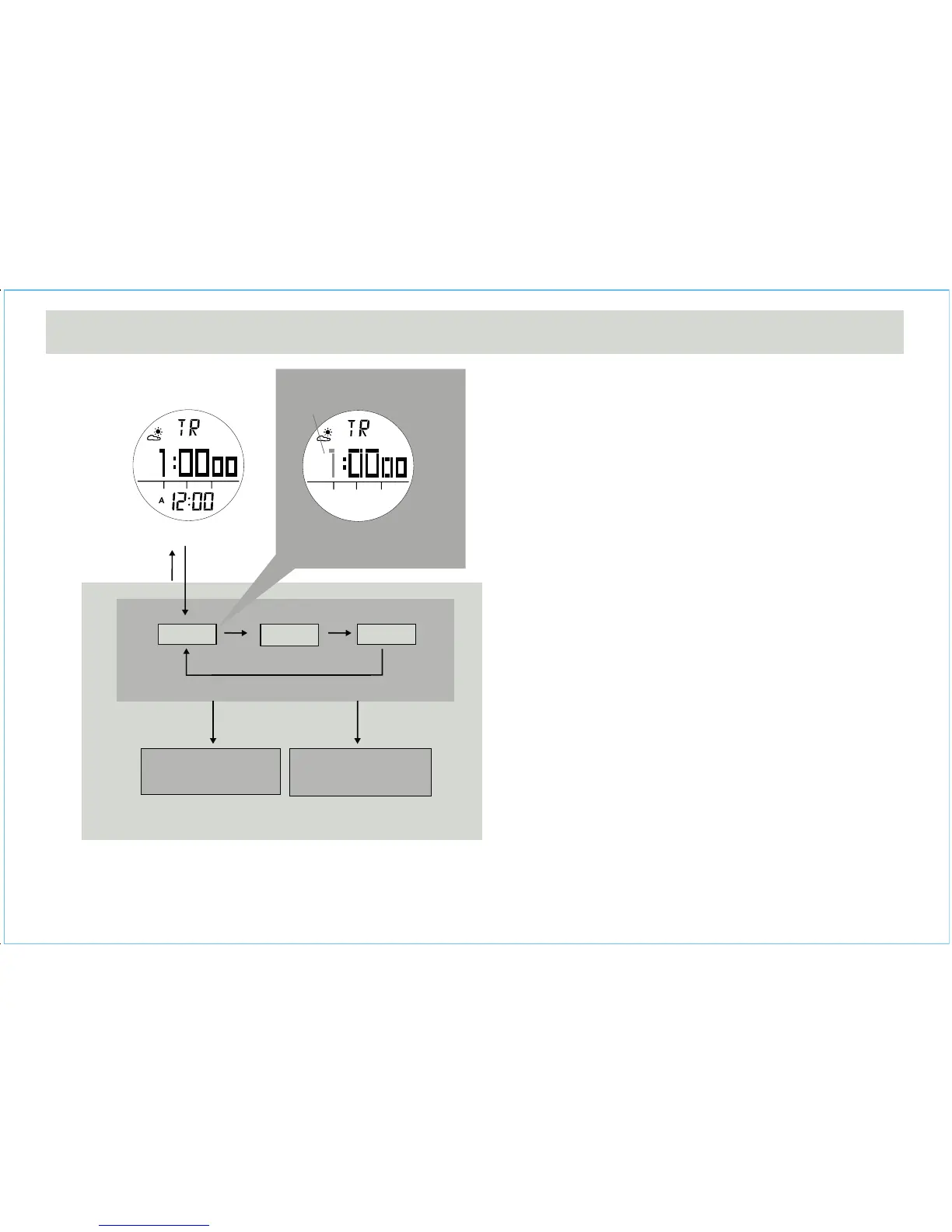
How to Set the Count Down Timer
• To select the setting display, hold the [M] button for 2
seconds, and the digits have been selected will flashing.
• In the setting display, press the [M] button to change the
selection among hour, minute and second.
• When the digits are flashing (selected), press the [S/S]
or [L/R] button to increase / decrease the number. (Hold
down the button to change the number at a higher
speed).
• When the setting is completed, hold the [M] button to
exit the setting display.
7.1 Timer Mode - Setting the Count Down Timer
hold
[S/S] / [L/R]
[S/S] / [L/R]
User Preset Value Setting Sequence
Timer Display
hold
[M]
Setting Display
Minute Second
Hour
hold
[M]
[M]
[M]
[M]
digits have been
selected (flashing)
Increase/Decrease
the number
Increase/Decrease
the number at a
higher speed



 To Next Page