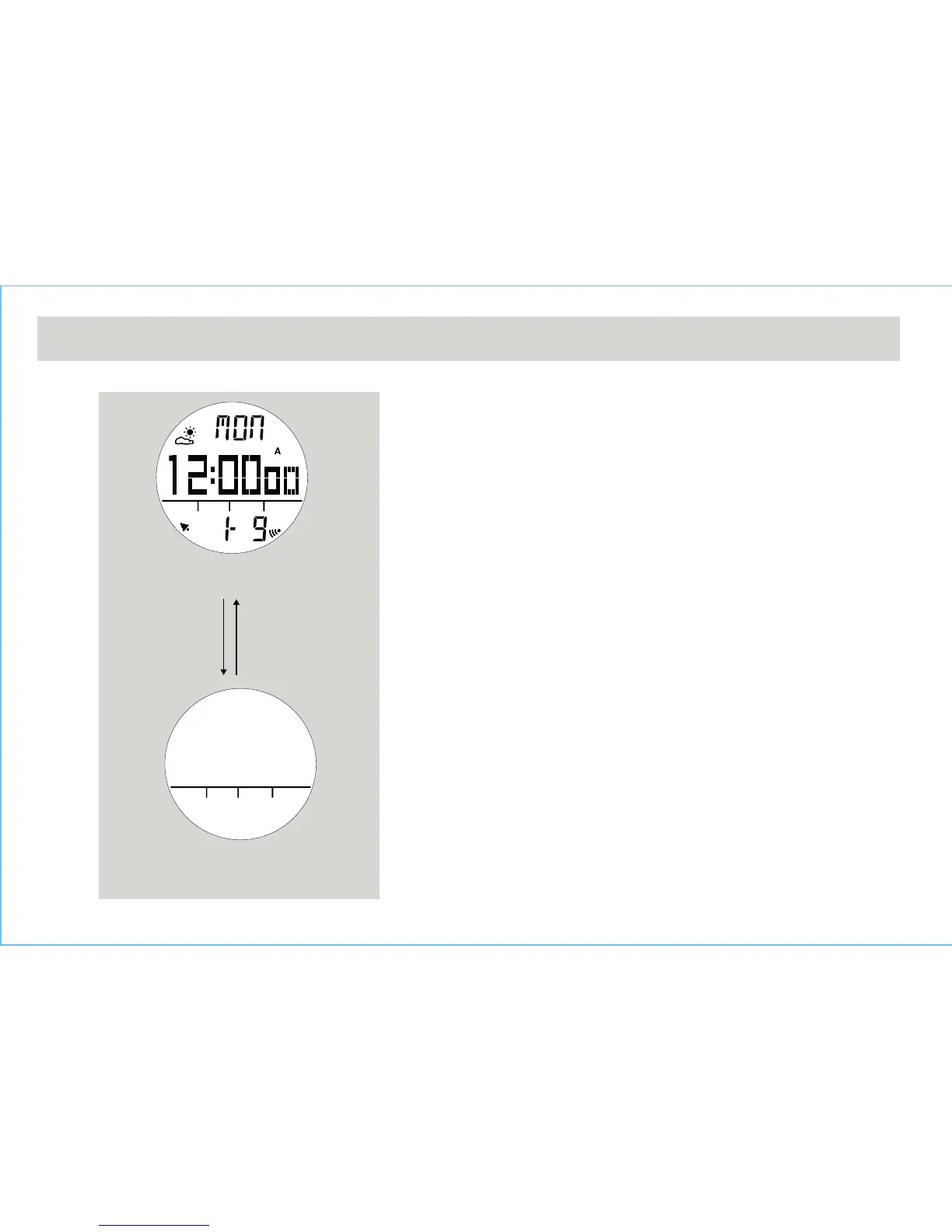
Power Saving Mode
• This Watch has a Power Saving Function which can
turn off the LCD display so that the battery can last
longer.
• In the Power Saving Mode, the watch function is still
working normally. (i.e. The timekeeping function is still
running in Power Saving Mode.)
How to enter/exit the Power Saving Mode
• To enter the Power Saving Mode, hold down the [L/R]
button in Current Time Mode for about 5 seconds and
the LCD display will be turned off.
• Press any key in Power Saving Mode to exit this mode
and the LCD display will be resumed.
Current Time Mode
Power Saving Mode
(LCD display turned off)
Any button
14.0 Power Saving Mode
hold [L/R]
5 seconds



 To Next Page