INSTALLATION
16
SeeleyInternationalPtyLtd
PARAMETERS
No. DESCRIPTION VALUE
A1 Watersalinitycontrolmethod:
A2
A3 Pre-wetcontrol:
A4 WallControlbacklight:
A5 Conductivitysetpoint:
A6 Tank(reservoir)draindelay:
A7 Autore-startafterPowerfailure:
A8 Temperatureunits:
-Conductivitymeasuring 00*
-Countslowtohighprobefills 01
NotapplicabletoClimateWizard
-Nopre-wet 00
-Pre-wet 01*
-Backlight‘OFF’ 00
-Backlight‘ON’ 01*
-Normalconductivity-4275µS/cm 00*
-Lowconductivity-2305µS/cm 01
-InstantdrainatCOOL off 00
-Drain3hoursafterCOOL off 01
-Drain12hoursafterCOOL off 02
-Drain3daysafterCOOL off 03*
-Requiresmanualre-startwhenpowerOFF 00*
- Autorestart 01
-Display C 00*
-Display F 01
*=DefaultValue
0
0
ControlSchemes
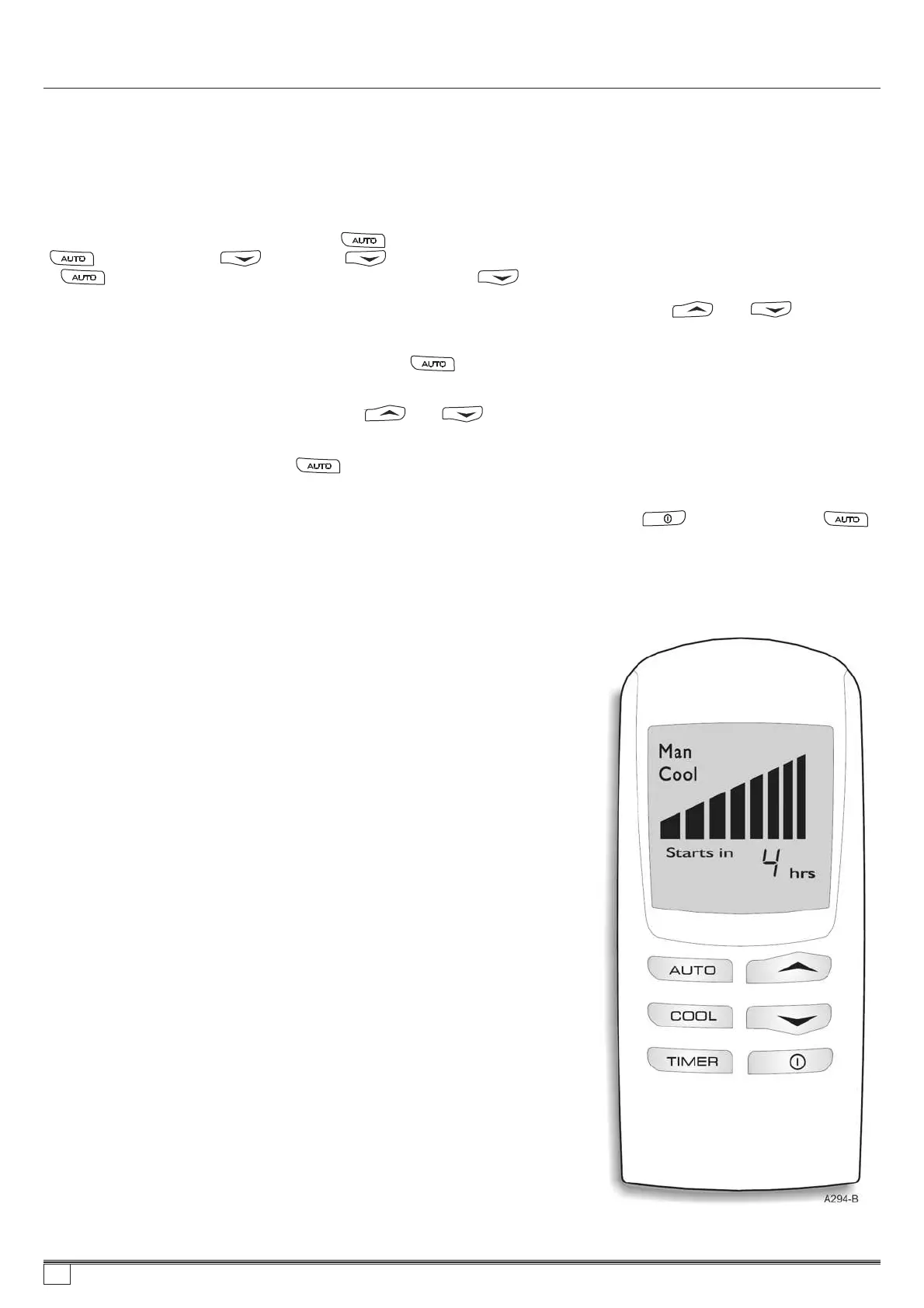
ToenterParametermodeusingaWallControl,thefollowingprocessmustbecarriedoutwithinFour(4)minutes
ofmainspowerbeingappliedtothecooler.IfunsureoftimesincethelastMainsPower“ON”,removeMains
Powertothecooler(IsolatorSwitchorCircuitBreaker)foraminimumofsix(6)secondssothemodecanbe
entered.
ChangingControlParameters
1.
2.
3.
4.
5.
6.
7.
Whilst wall ontrol is OFF, push and hold “ ” for minimum three (3) seconds.After three (3) seconds whilst still holding
“ ” button press the “ ” button. (If “ ” button is pressed before three (3) seconds, nothing will be on the display.
If “ ” button, is continued to be held subsequent presses of “ ” button will allow access).
When parameter mode has been entered, screen will display “A1” and “Param”. Pressing “ ” or “ ” buttons will
scroll through parameters “A1” to “B3” (Refer to table below for factory settings).
To view parameter number set in wall control press “ ” momentarily. Figure “A#” on screen will change to number set,
and “Param” will change to “value”.
To alter “value” of selected parameter press “ ” or “ ”. Numbers will change to show different values parameter
can be set to.
To store the selected value, press “ ”. Screen will go blank momentarily as wall control stores parameter change, and
returns screen to “A#” and “Param”.
To exit parameter mode or escape from an alteration without storing a change press “ ” button instead of “ ”
button. Remember, once step five (5) has been carried out, new parameter change is permanent until again altered.
If no buttons are pushed on wall control, after three (3) minutes screen will reset to “OFF” state. Procedure to enter
parameter mode must be re-initiated.
c
859736-A AU1007


 To Next Page