18
MA_QN_MP
Operation
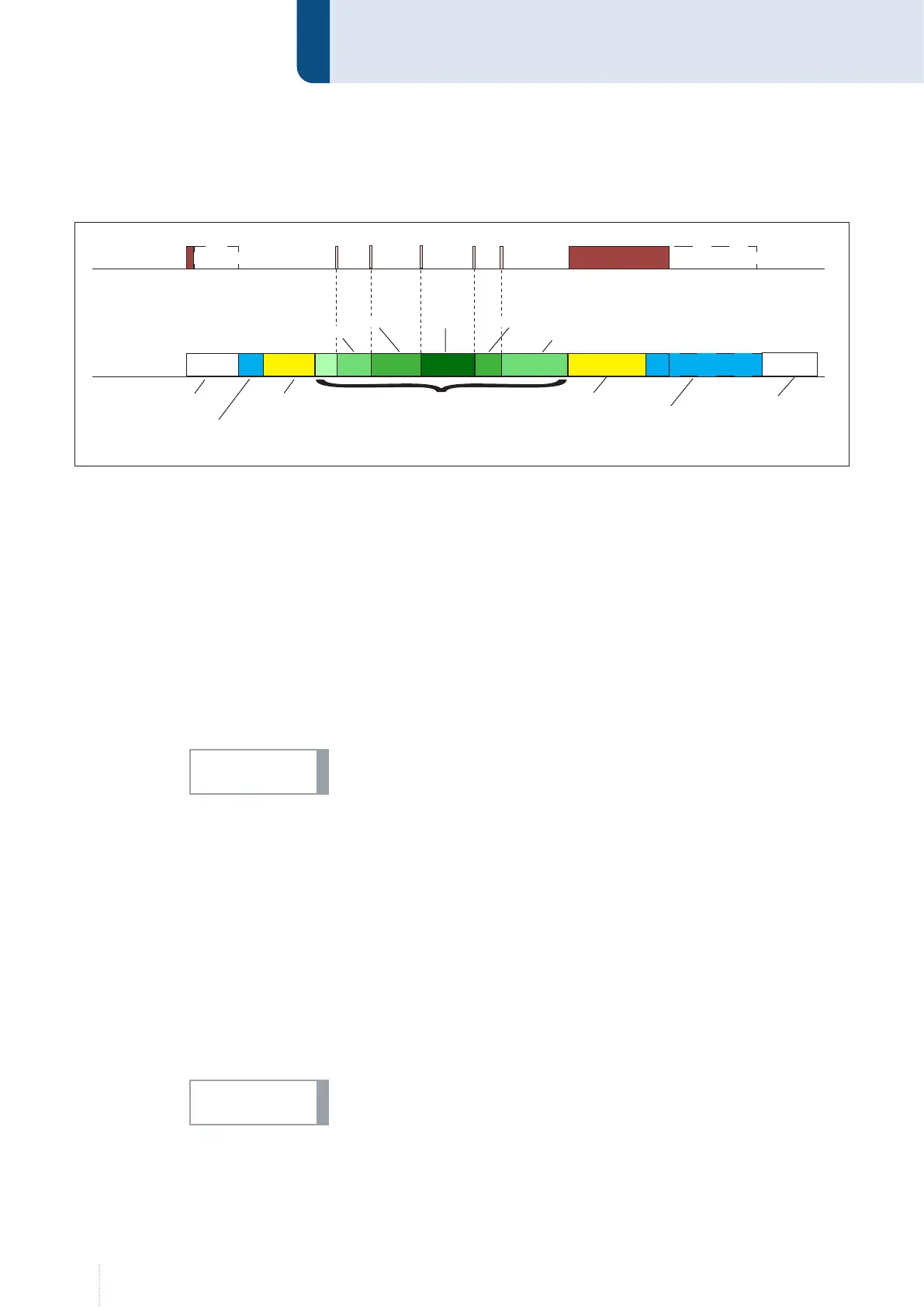
2.1.3 Operating mode Super-4-cycles
1st cycle --> Press and hold torch button
• Solenoid valve for shielding gas opens
• Weld voltage is applied on wire electrode
• Wire feed starts with reduced speed (inching-in)
• Arc ignites, weld current flows
• Wire feed switches to the preset speed
2nd cycle -->Release torch button
• The start program is executed with the adjusted parameters and then
switches via a programmable time function (Up-Slope) into the main
program.
If the start time in the program menu is set to "Torch", releasing the torch
button switches to the main program.
(optional) Power continuation --> Tap torch button
• Depending on the configuration of the "Step modulation" and "Num-
ber of steps" parameters, the power and wire feed speed are increased
or reduced with each press of the button on the torch. You can find ad-
ditional information in the chapter “2.2 Configuration of characteristic
curve”.
3rd cycle --> Press and hold torch button
• A time function (down-slope) switches from the main program to the
end program and the end parameters are executed.
4th cycle --> Release torch button
If the end crater filling time parameter is set to "Torch", the end param-
eters will not be executed until the torch button is released.
• Wire feed stops
• Weld voltage switches off after expiration of the "burnback time“
• Arc extinguishes
• Solenoid valve closes after expiration of the "gas post-flow time“
3 s
0 +4 +42 s
Torches
Keystroke
Welding time
Start time:
1 sec
End crater filling
time: Torch
Upslope
2 sec
Downslope
3 sec
Main power
Step modulation +2
Number of steps: 3
1 s
+6
+2 +2
Torch
Gas pre-flow +
inching in
Burnback +
Gas post-flow
Step 1
Step 1
Step 2 Step 3
Step 2
NOTICE!
NOTICE!



 To Next Page