23
• Quick delete
1. Press the left rotary knob while the start screen is displayed. To
open the start screen, press the menu button.
2. Turn the rotary knob to select a storage place.
3. Press the left rotary knob for approx. 4 seconds until the selected
field turns yellow and "DEL" appears.
• Deactivate active rapid memory
1. Press the left rotary knob while the start screen is displayed. To
open the start screen, press the menu button.
2. Turn the left rotary knob and select the exit symbol.
3. Press the left rotary knob.
The loaded welding parameters of the reapid memory are deactivated.
2.3.2 Space management
The space management is available as an optional function. To activate the
option, please read Chapter “3.11 Options” on page 43.
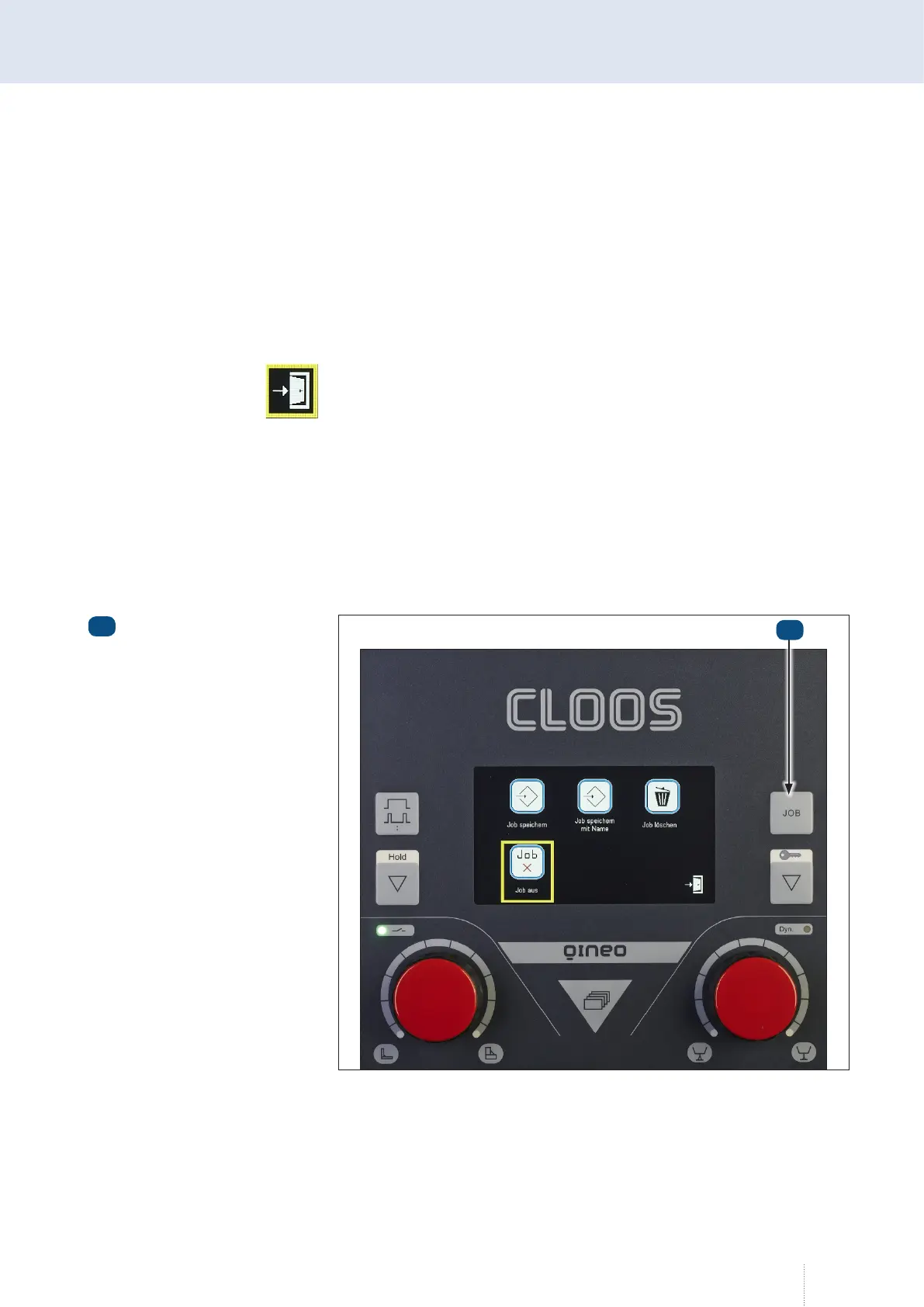
Press the job key for approx. 3 seconds.
Job key
1
1
Illustration 55. Space management



 To Next Page