MAN.241 Rev.5 ENG - Use and maintenance manual S23 page 49 of 127
of that button will immediately disable the operation car-
ried out.
4.4.6 Setting the MEWP in the transport
configuration
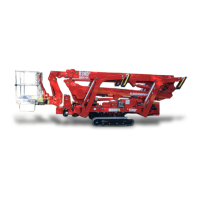
14. In order to set the MEWP in the transport
configuration, first center the turret, return
on the ground the aerial part, withdrawing
the telescopic booms, and laying the booms
on their supports, using the platform control
(operating) station (par. 3.2.1).
Warning! Center the turret before lowering
booms.
15. Unfasten safety belts and get off the basket
using the steps below.
Keeping the parking button P (Picture 8) pressed, to-
gether the J5 joystick which control the turret rotation,
you can activate the turret self-centering up to the po-
sition 0°.
With the MEWP stabilized, pressing the parking but-
ton P (Picture 8) on radio control, it is possible return
the booms.
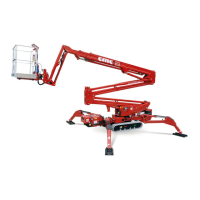
If you want to destabilize the machine:
o In case of manual destabilization, keep the
dead man button pressed and use the levers
of the outriggers control station (Picture 11).
It is essential to carry out the destabiliza-
tion by operating on all four levers simul-
taneously.
o If you want to automatically destabilize the
machine, use the parking button P and the
lever 11 (Picture 8) on the radio control.
16. At the end, it is possible to restart the MEWP
to take it back to the storage place.
If full lithium version*, at the end of the
work, always remember to charge batter-
ies.


 To Next Page