The web interface
98-145510-E Chapter 6: Setup and operation 6-9
To use a reference satellite (Ku only)
If your VSAT modem cannot communicate to the antenna that it is locked to the correct
satellite, you can initially use a reference satellite that the antenna can identify without the
modem.
To use a reference satellite, do as follows:
1. On the Modem profiles page, create and save a modem profile using the Service
modem. For details, see Modem profile – New entry and Edit on page 6-6.
2. On the Satellite profiles page, create and save a reference satellite profile that uses the
Service modem profile. For details, see Satellite profiles – New entry and Edit on
page 6-7.
3. Create your real satellite profile for the connected modem.
4. In the real satellite profile, select Use reference satellite.
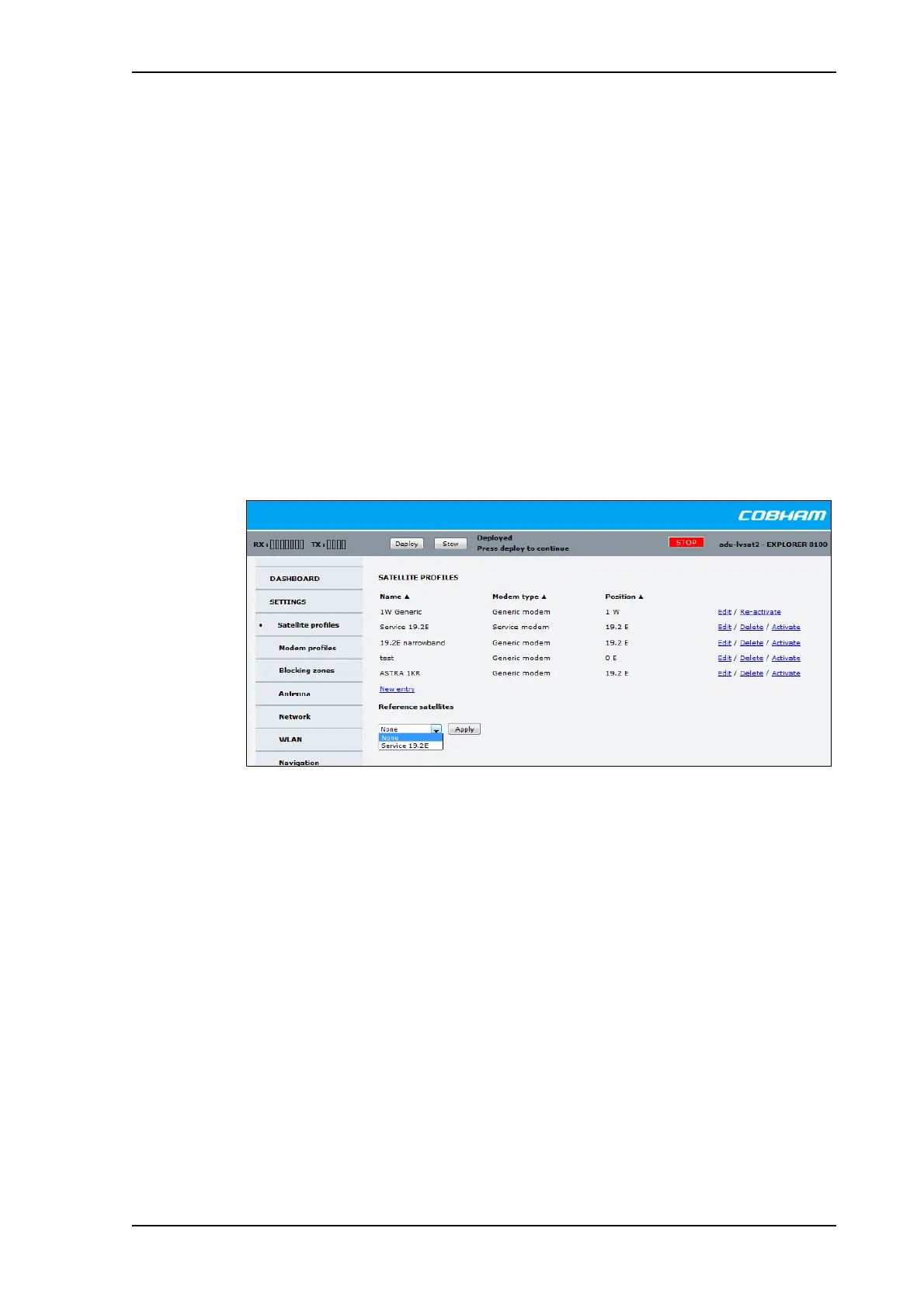
5. In the Satellite profiles page under Reference satellites, select the reference
satellite profile from step 2 above and click Apply.
6. Activate the real satellite profile.
With this satellite profile activated, every time you deploy the antenna it will start up using
the reference satellite and automatically switch to the real satellite when possible.
Figure 5: Web interface: SETTINGS - select reference satellite



 To Next Page