This document contains proprietary information,
see proprietary statement on first page.
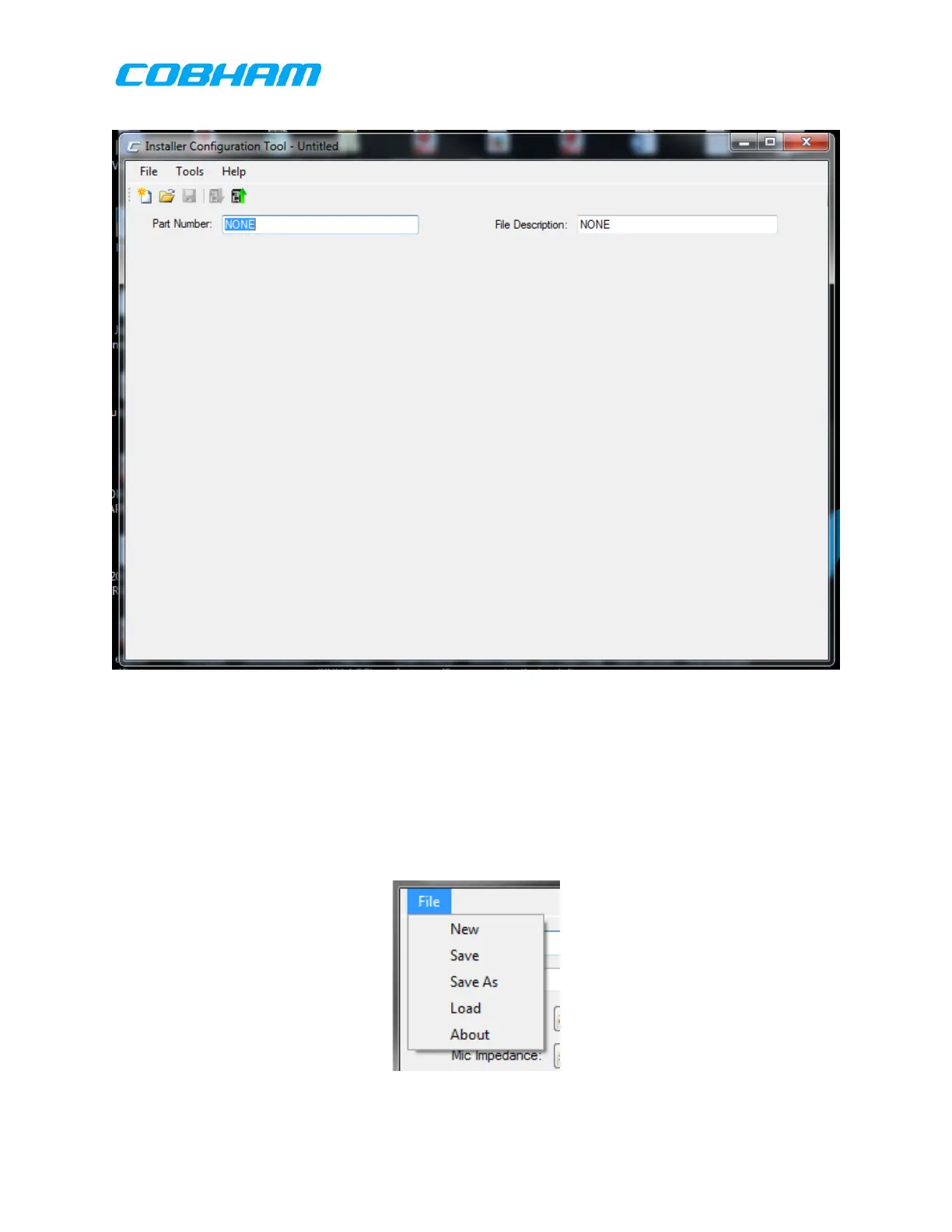
Figure 9-2: Installation Configuration Tool Start Screen
The above image shows the ICT after installation and when first opened. The ICT will
open defaulted to Com port 1 and with a blank File Description by default. Operation
of the fields on this page is described in the sections below:
9.4.1.1 General ICT Bring Up Operation
9.4.1.1.1 File:
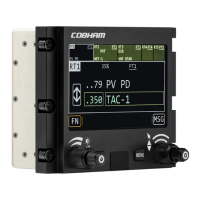
Selecting File at the top left corner of the page brings down the options below:
New: Opens a part number selection dialog box.
These commodities, technology or software are controlled in accordance with the United States Export Administration Regulations, Export Classification
Control Number (ECCN) EAR99. When exporting, diversion contrary to U.S. law is prohibited.



 To Next Page