10
4.4 – Record
IMPORTANT NOTE: Always click “Apply” after making any changes within the menu system. If
you do not click Apply your changes will not be saved
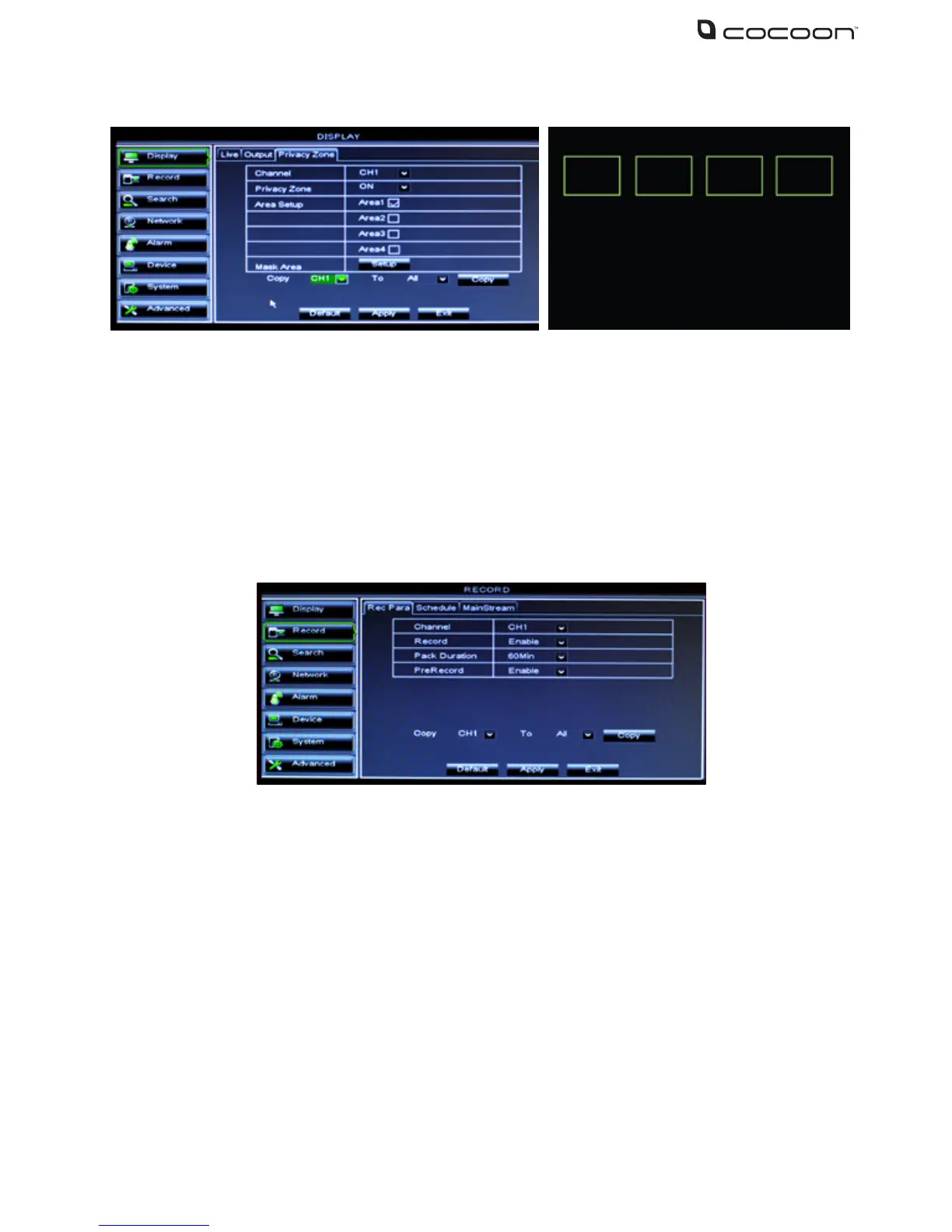
To access the Record settings, select Record from the main menu. Choose the tabs at the top
to switch between sub-menus. The Record menu provides access to features related recording
modes, frame rates, channel resolutions etc.
4.4.1 Recording Parameters
• Channel: Select the channel to setup
• Record: Enable / Disable recording for the selected channel
Note: If recording is disabled for the selected channel all recording modes will
be disabled including manual recording
• Pack Duration: Set the maximum recording time per le pack. Recordings will be
saved in packs or time blocks. Set the duration of each le pack (15, 30, 45 or 60 mins)
• Pre-record: Set to enable to ensure you never miss the start of an event.
The DVR unit will begin recording a few seconds before the motion event.
• Copy: Copy settings from one channel to another



 To Next Page