27
6.2 Logging Into the DVR unit over Internet Explorer or Safari
1. Enter your DVR unit’s IP address into IE or Safari address bar. For example
http://216.138.313.28:80
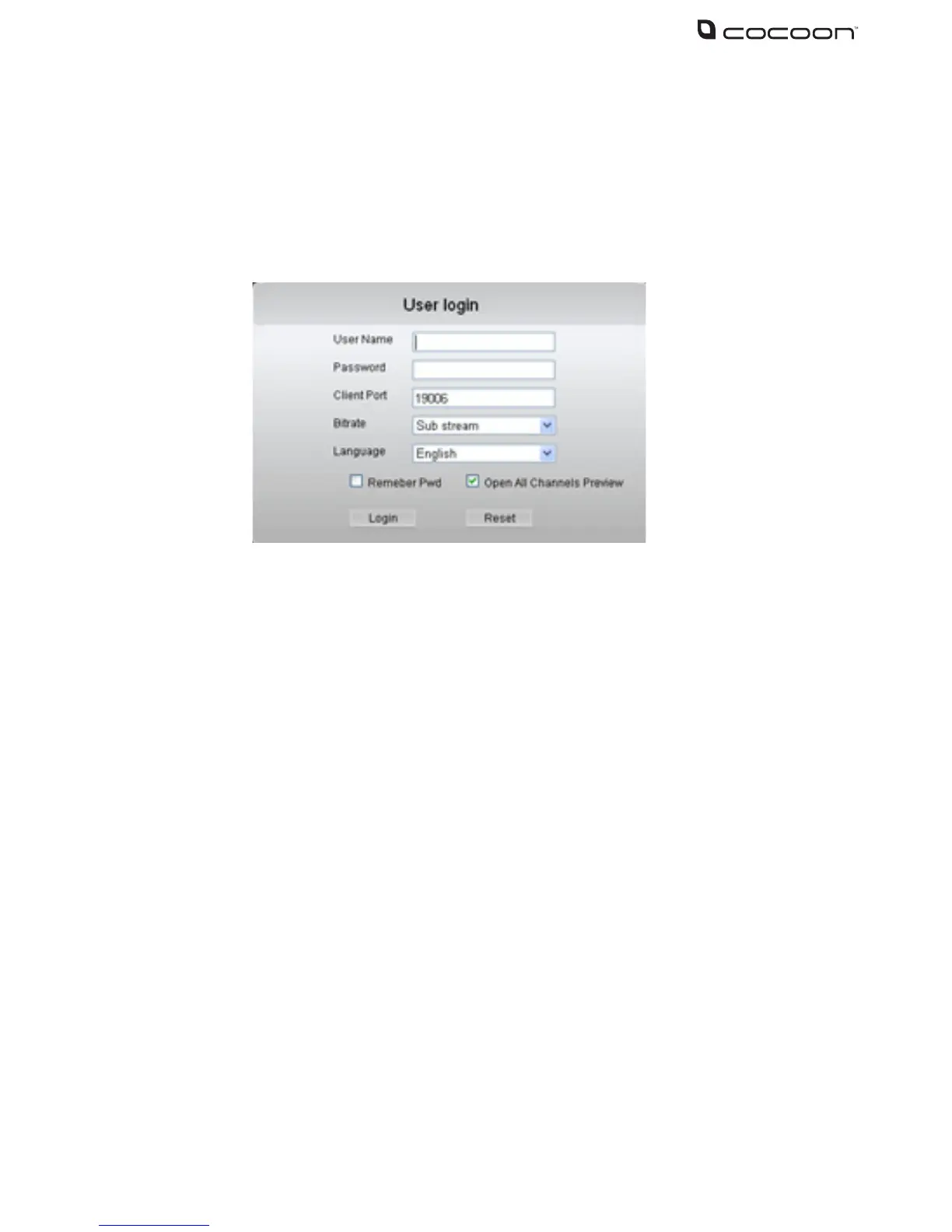
2. The DVR unit login screen will appear in your browser. Enter your DVR unit
User Name, Password, Client Port, Bitrate and click login
3. The DVR unit interface will load. While viewing over the internet on PC or
Mac your DVR unit will function just like the physical unit. See the section 4 –
DVR unit Menu for help operating the DVR unit
Visit www.winplus.com.au/cocoondvr for additional tips and help with networking



 To Next Page