23
5 - Viewing footage on your computer
5.1 Installing the Video Player Software
1. Insert the CD into your CD Drive
2. Click Start > Computer and navigate to the CD Directory
3. Double click and install the Video Player software. Follow the on screen instructions
4. Open the Video Player software
5.2 Playing Backup Footage
1. Insert your USB Flash Drive with backed up footage into your computer
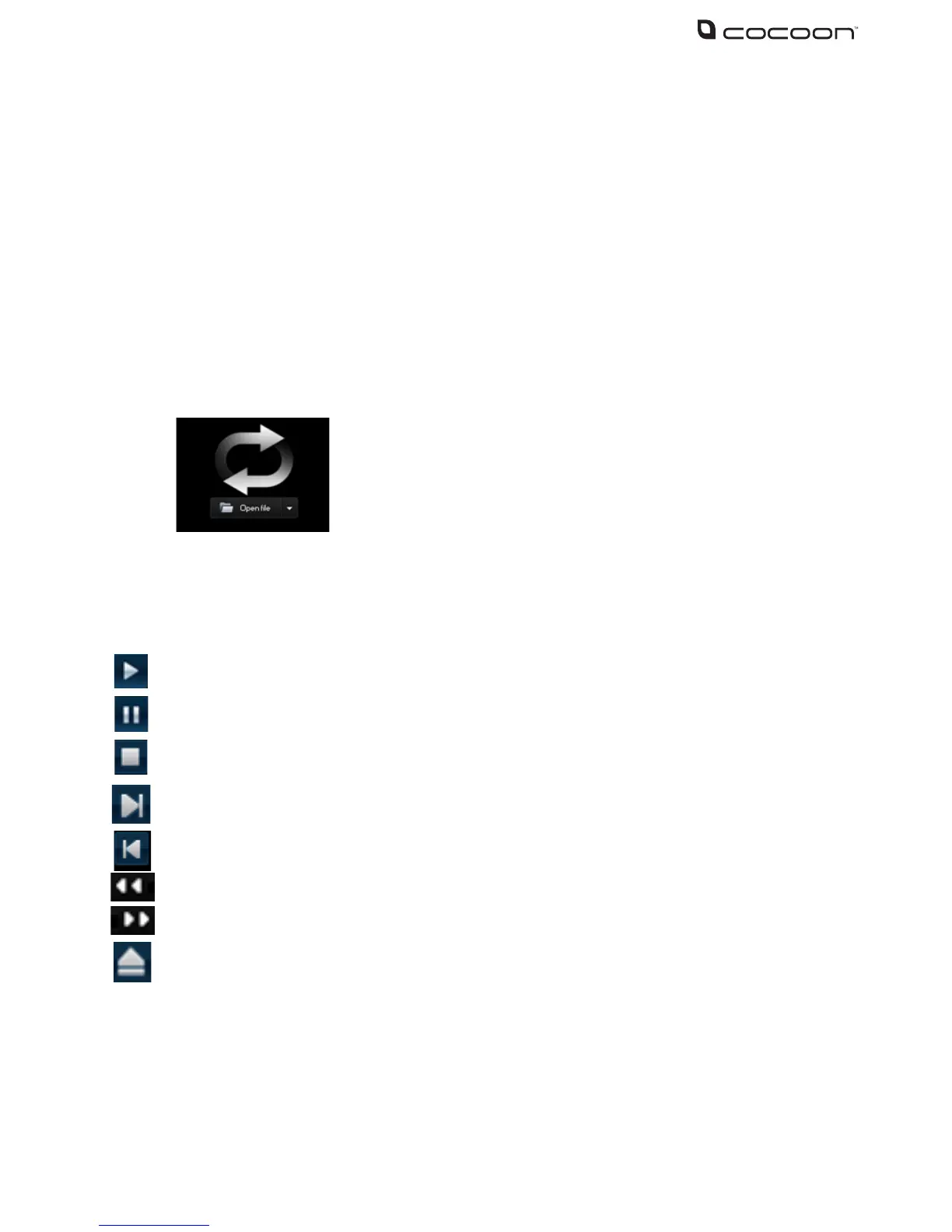
2. From the main Video Player view screen, click the Open File button
4. Find the le you would like to play and click Open
5. Use the controls below to navigate through footage
Play button: click the icon to playback the backup record;
Pause button: click the icon to pause the backup record;
Stop button: click the icon to stop the backup record;
Next: Click the icon to play next record;
Prev.: Click the icon to play previous record
Slow button: Click the icon to play the backup record at 1/2, 1/4, 1/8 and 1/16 speed.
FF button: Click the icon to fast forward the backup record at x2, x4, x8 and/or x16 speed.
Open: Click the icon to open one record le.



 To Next Page