LS1000 VoIP Speakerphone
Administrator Guide
page 22 of 54 GU-164-B
Code Blue
• 259 Hedcor Street • Holland, MI 49423 USA • 800.205.7186 • www.codeblue.com
Transport Protocol: IPv4 or IPv6.
Communication Protocol: UDP or TCP.
Registration Lifetime: Default is 600 seconds. This is the time the phone will attempt re-registration if not
contacted by the SIP server.
Keep Alive: Check if you want keep-alive messages sent between the SIP server and the phone.
Use a Proxy Server: If using a proxy server in addition to a SIP server, then specify the IP Address
or Domain, SIP Authentication ID and Outbound Proxy Port used.
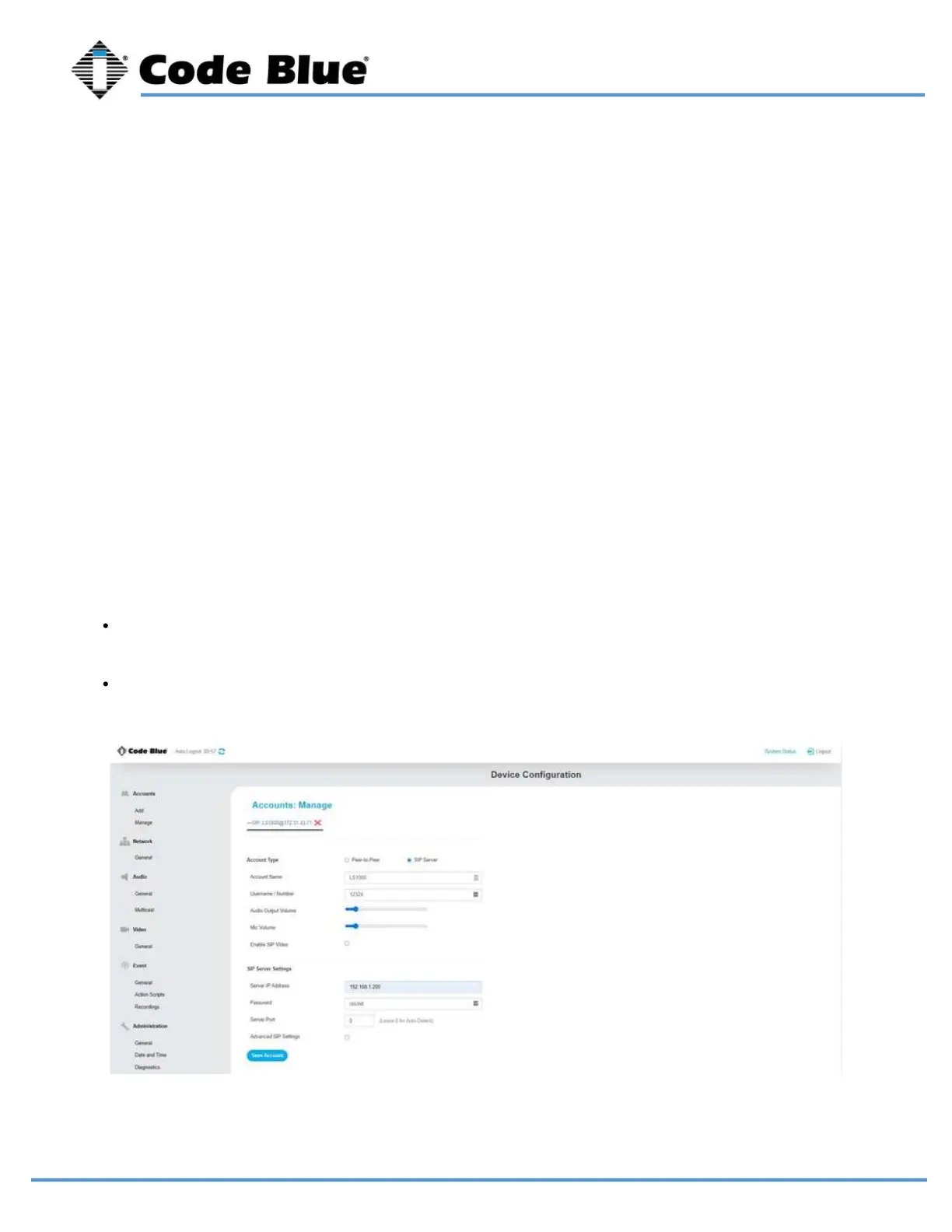
Server IP Address: You can use the domain name or IP address of your IP PBX, SIP Gateway, SBC or
whatever you register SIP devices to.
Password: This is the shared SIP secret password that the phone and your SIP registration server share.
Server Port: 0 for auto detect. Commonly may be 5060. If necessary, you may have to specify a port
here.
SIP Server Settings
Advanced SIP Settings
After adding an account, you can manage the created accounts on this page.
Click onto an account to manage it for viewing or to make changes.
Note: You can create a near infinite to different SIP servers. Generally, only one is used.
Manage Accounts



 To Next Page