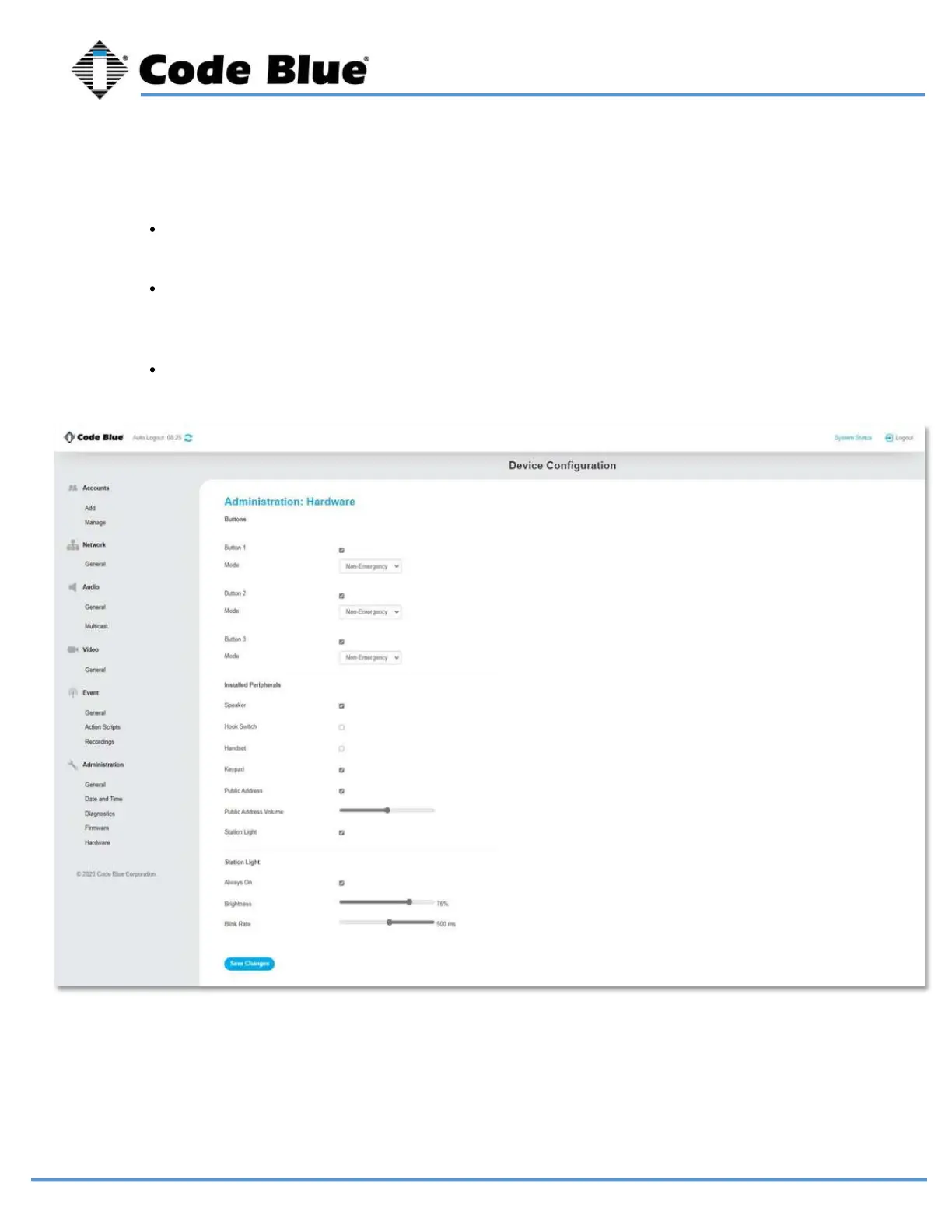
Any additional peripherals attached to LS1000 must be marked as “Installed” to ensure
functionality.
Hardware settings allow you to enable or disable the Station Light, adjust the brightness,
and blink rate.
Each button can be configured as a Non-Emergency Button, Emergency or Volume Control.
The color of the ring LED around each button can be changed in the drop-down menu.
Hardware Settings
LS1000 VoIP Speakerphone
Administrator Guide
page 39 of 54 GU-164-B
Code Blue
• 259 Hedcor Street • Holland, MI 49423 USA • 800.205.7186 • www.codeblue.com



 To Next Page