LS1000 VoIP Speakerphone
Administrator Guide
page 23 of 54 GU-164-B
Code Blue
• 259 Hedcor Street • Holland, MI 49423 USA • 800.205.7186 • www.codeblue.com
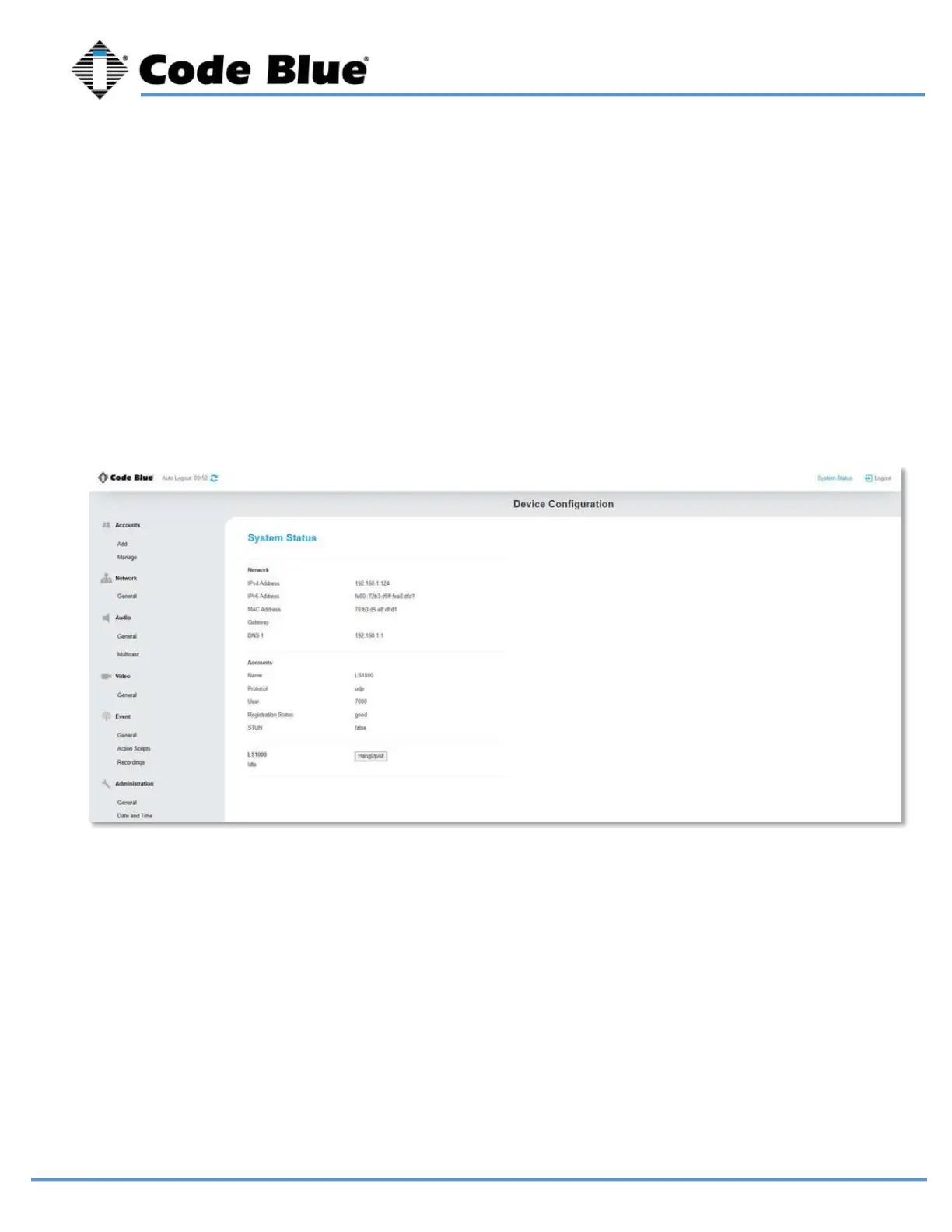
In this screen, you can see the current IP address of the phone, which is the same for the
camera.
After creating your account and providing the SIP server, check the registration status on
the System Status page. This is located in the top right corner of the screen.
It also will display the current registration status of the configured accounts. Registration
status of “good” is what you are looking for. If it is not, investigate the matching account
settings configured in the SIP server and if the network has been opened in between.
System Status



 To Next Page