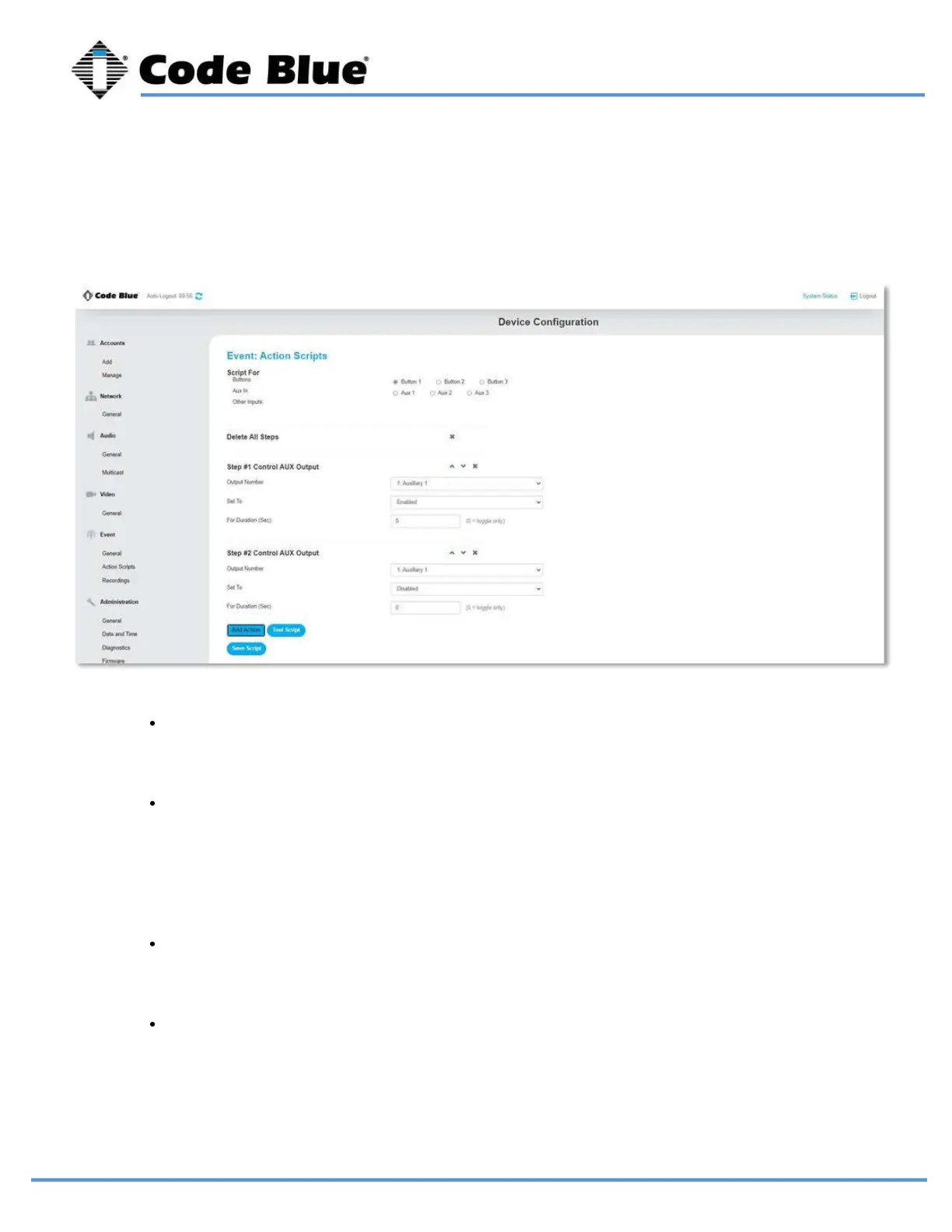
Choose the AUX output you want to control.
Upload your recordings by going to the Recordings page. The message only plays out
of the LS1000 speaker.
Note: There are blue arrows that can move your action up and down in the action script.
Play a message when this step is reached as part of your greater action script or as the
only action in your action script.
Choose the duration you want the action to last. (0 seconds = indefinite.)
Note: This is the most common setting for controlling an auxiliary, such as a blue light strobe,
to stay activated for the duration of the call if linked to a place call action
Choose enabled or disabled for this action. Enabled closes the normally open contact;
disabled opens the normally open contact.
Control AUX Output
Play Message
LS1000 VoIP Speakerphone
Administrator Guide
page 31 of 54 GU-164-B
Code Blue
• 259 Hedcor Street • Holland, MI 49423 USA • 800.205.7186 • www.codeblue.com



 To Next Page