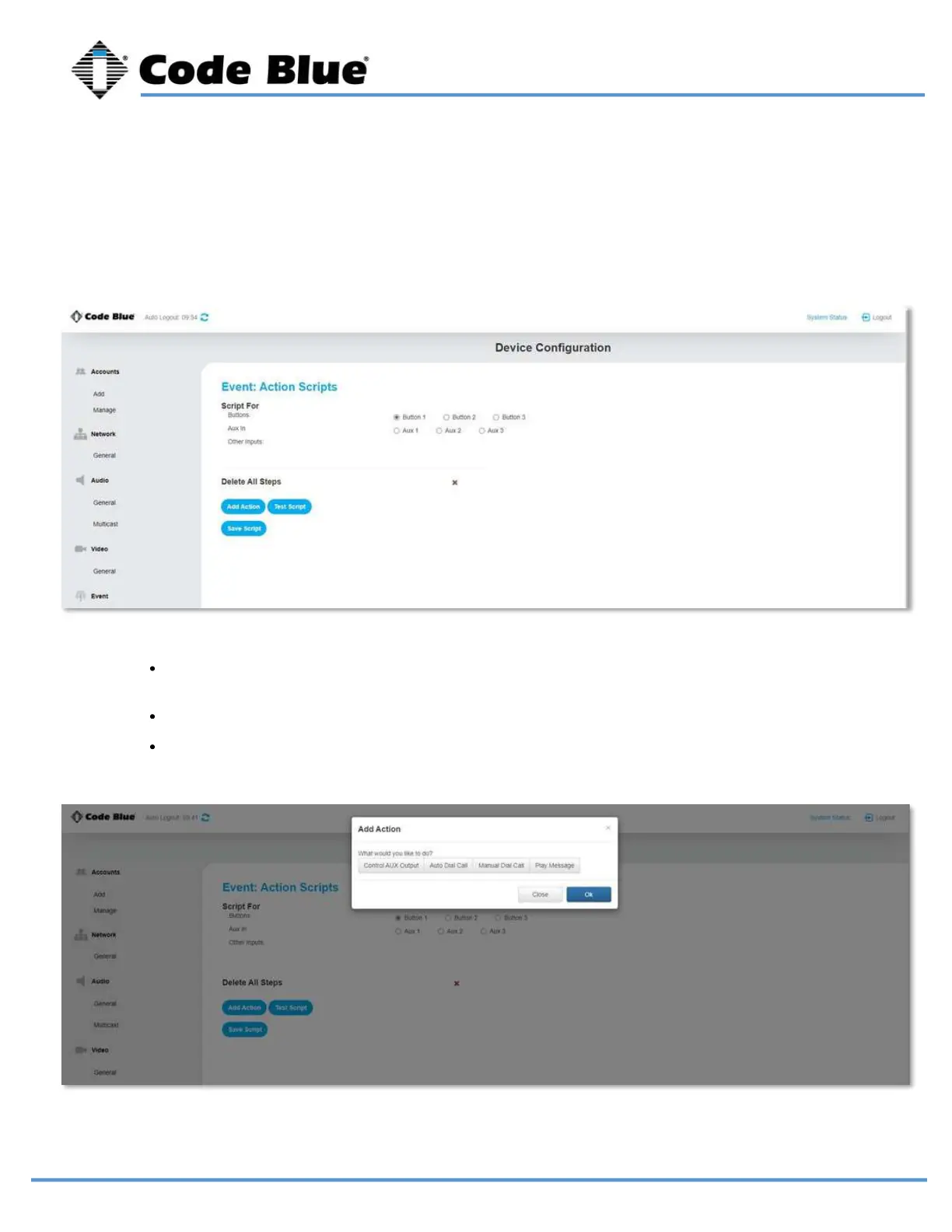
Select the button or aux input you would like to associate and action with.
Choose “Add Action”
You can choose to have an aux output triggered, place a call, or simply play a message.
You can also string multiple actions together.
Action Scripts determine what happens when a button is pushed, or aux input is activated. If
you have a multi-button phone the red button is button 1.
Action Scripts
LS1000 VoIP Speakerphone
Administrator Guide
page 28 of 54 GU-164-B
Code Blue
• 259 Hedcor Street • Holland, MI 49423 USA • 800.205.7186 • www.codeblue.com



 To Next Page