C001537_15_CR2_User_Manual 9
Save Settings
1.6.2 - CR2 as a USB Keyboard
To connect the CR2 to your host computer via USB interface:
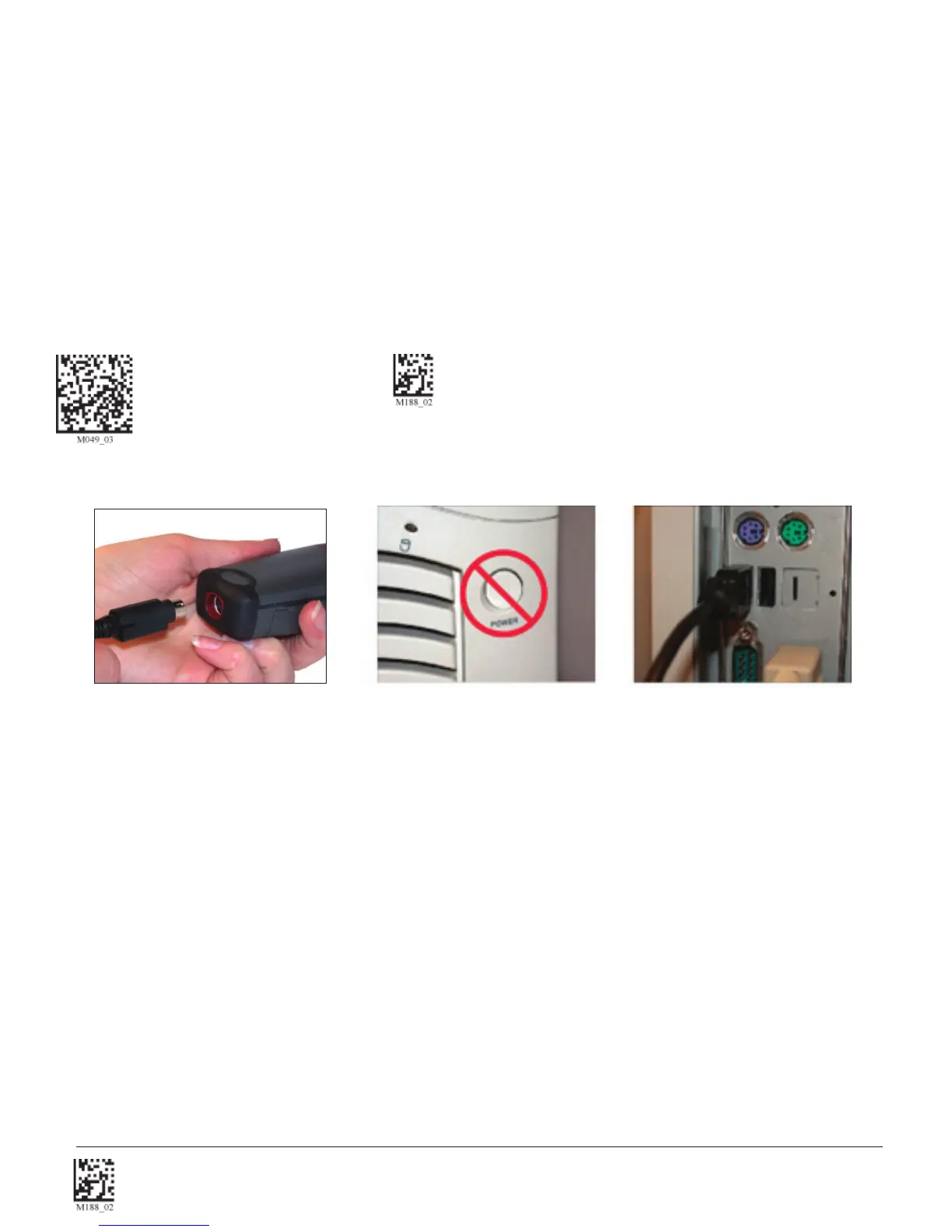
1. Attach the USB cable to CR2 (Figure 1.14).
2. There is no need to power off the computer (Figure 1.15) Connect the USB cable to a USB port on the computer
(Figure 1.16).
3. Once properly connected, the CR2 will power on and beep.
4. Scan the below code (M049_03) for USB Keyboard Mode:
USB Keyboard Factory Reset Save Settings
5. Scan the Save Settings Code (M188_02)
Figure 1.15
Figure 1.16
Figure 1.14


 To Next Page