C001537_15_CR2_User_Manual 40
Save Settings
3.7 - Code 128 Symbology
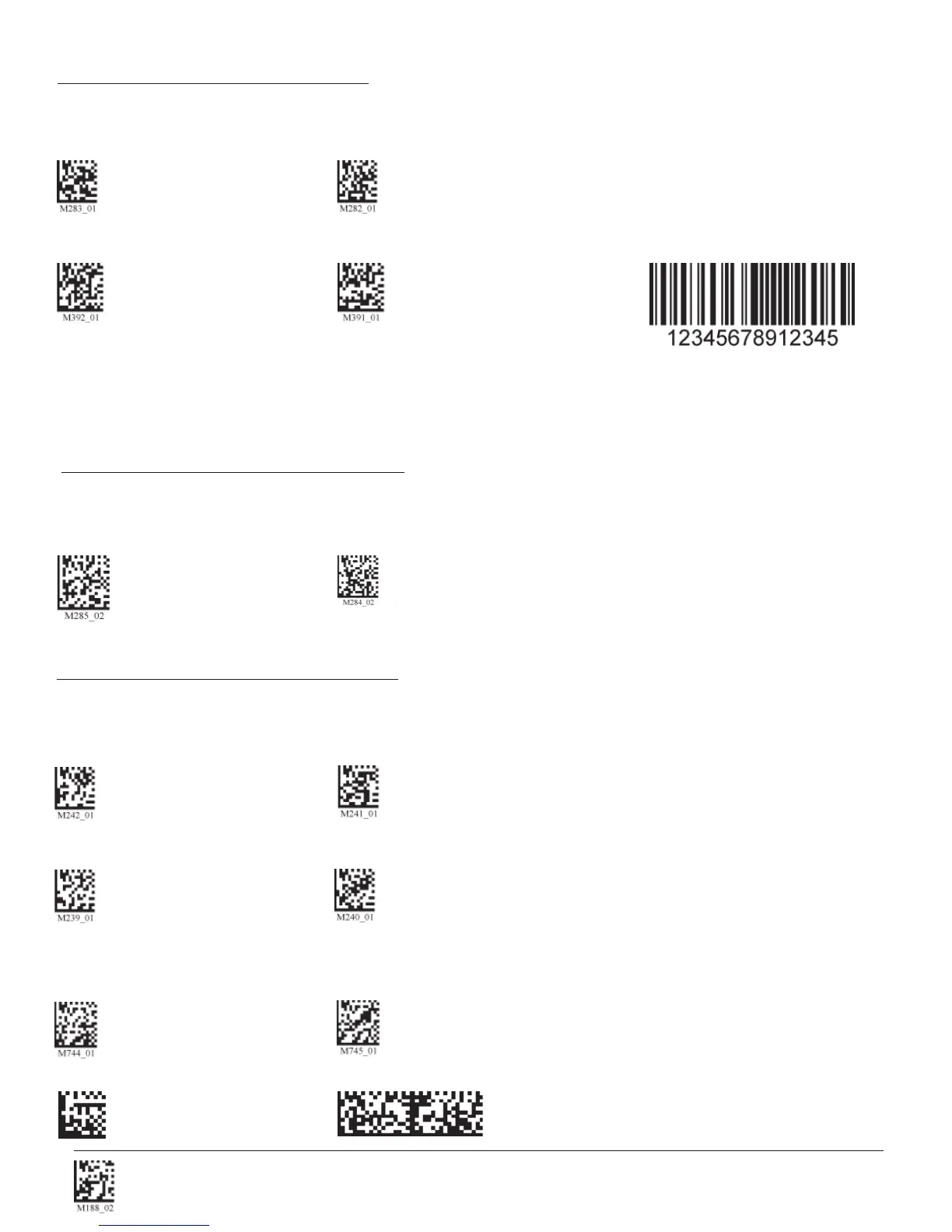
Scan the following codes to enable/disable Code 128 symbology settings:
Code 128 On (Default) Code 128 Off
Code 128 Short Margin On Code 128 Short Margin Off (Default) Sample Code 128 Code
Note: When Codablock F and Code 128 decoding are enabled, there is some danger of mistakenly decoding a damaged
Codablock F symbol as a Code 128 symbol. Therefore, Code 128 decoding should be disabled when Codablock F
decoding is enabled.
3.8 - Composite Symbologies
Scan the following codes to enable/disable Composite symbology settings:
Composite On Composite Off (Default)
Data Matrix Inverse On Data Matrix Inverse Off (Default)
3.9 - Data Matrix Symbology
Scan the following codes to enable/disable Data Matrix symbology settings:
Rectanglular Data Matrix On Rectangular Data Matrix Off (Default)
Enable improved reading
capability for hard to decode
datamatrix symbols.
Disable improved reading
capability for hard to decode
datamatrix symbols. (Default)
Sample Data Matrix Code Sample Rectangular Data Matrix Code



 To Next Page