C001537_15_CR2_User_Manual 12
Save Settings
RS-232 Factory Default Settings
Mode: RS-232 One Way Mode
Baud Rate: 57600
Stop Bits: 2
Data Bits: 8
Parity: None
1.6.4 - RS-232 (Serial) Cable Installation Guide
1. Attach the RS-232 (Serial) Cable to the CR2.
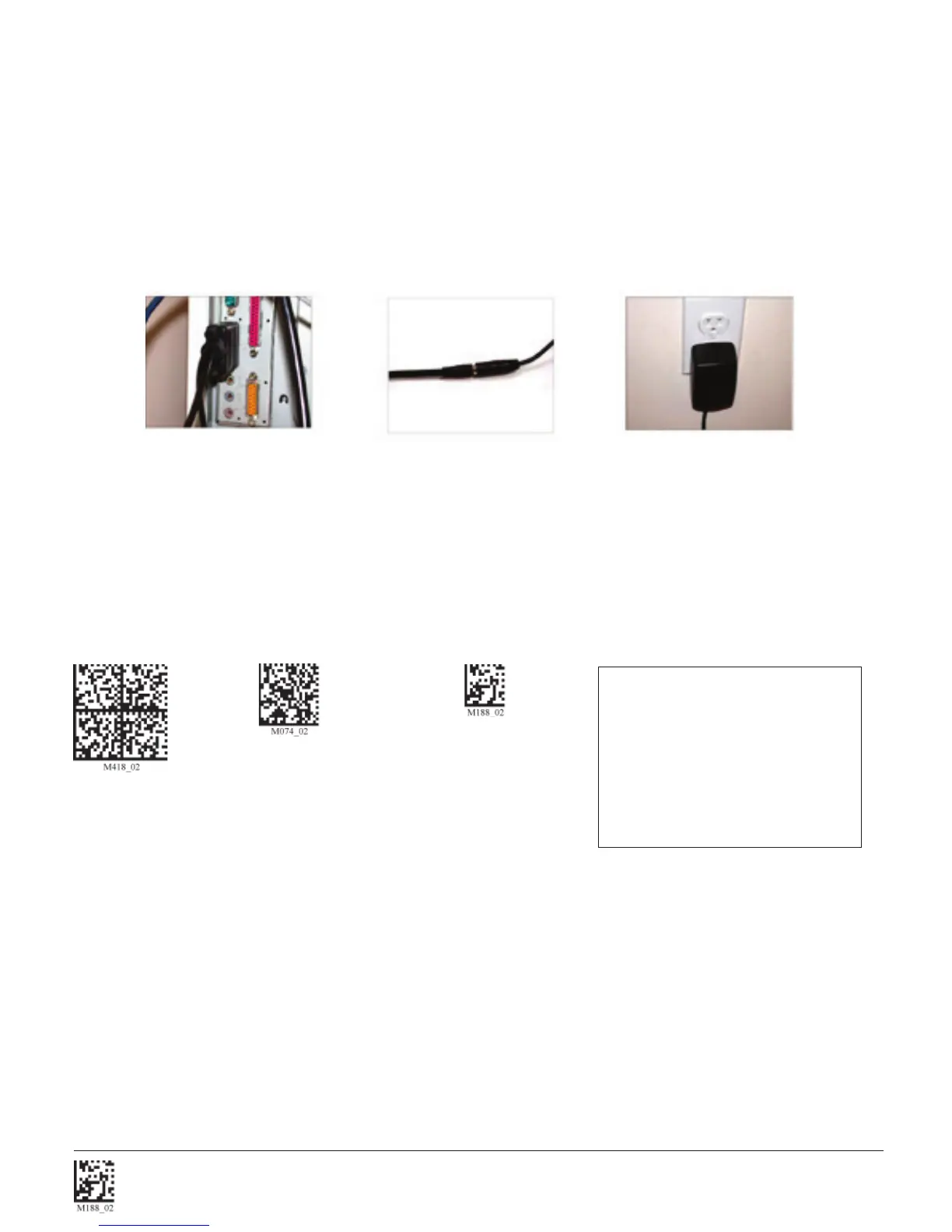
2. Connect the RS-232 (Serial) cable to a serial port on the computer (Figure 1.19). There is no need to power off the
computer.
3. The RS-232 (Serial) interface has an optional 5V/1.5A power supply (Figure 1.20). If you have a power supply, plug the
power supply adapter into the RS-232 (Serial) cable and then plug the power adapter into a wall socket (Figure 1.21).
4. Once properly connected, the CR2 will power on and beep.
5. For RS-232 (Serial) mode scan M418_02 (below). If the power supply is not connected scan M074_02 (below).
6. Scan the Save Settings Code (M188_02).
RS-232 (Serial) RS-232 (Serial) Mode
Factory Reset No Power Supply Save Settings
Warning: Code Corporation approved power adapter must be used. Reader failure due to use of incorrect
power adapter will void warranties.
Figure 1.20
Figure 1.19
Figure 1.21



 To Next Page