C001537_15_CR2_User_Manual 36
Save Settings
2.11.1 - Continuous Scan - Sleep Time Out
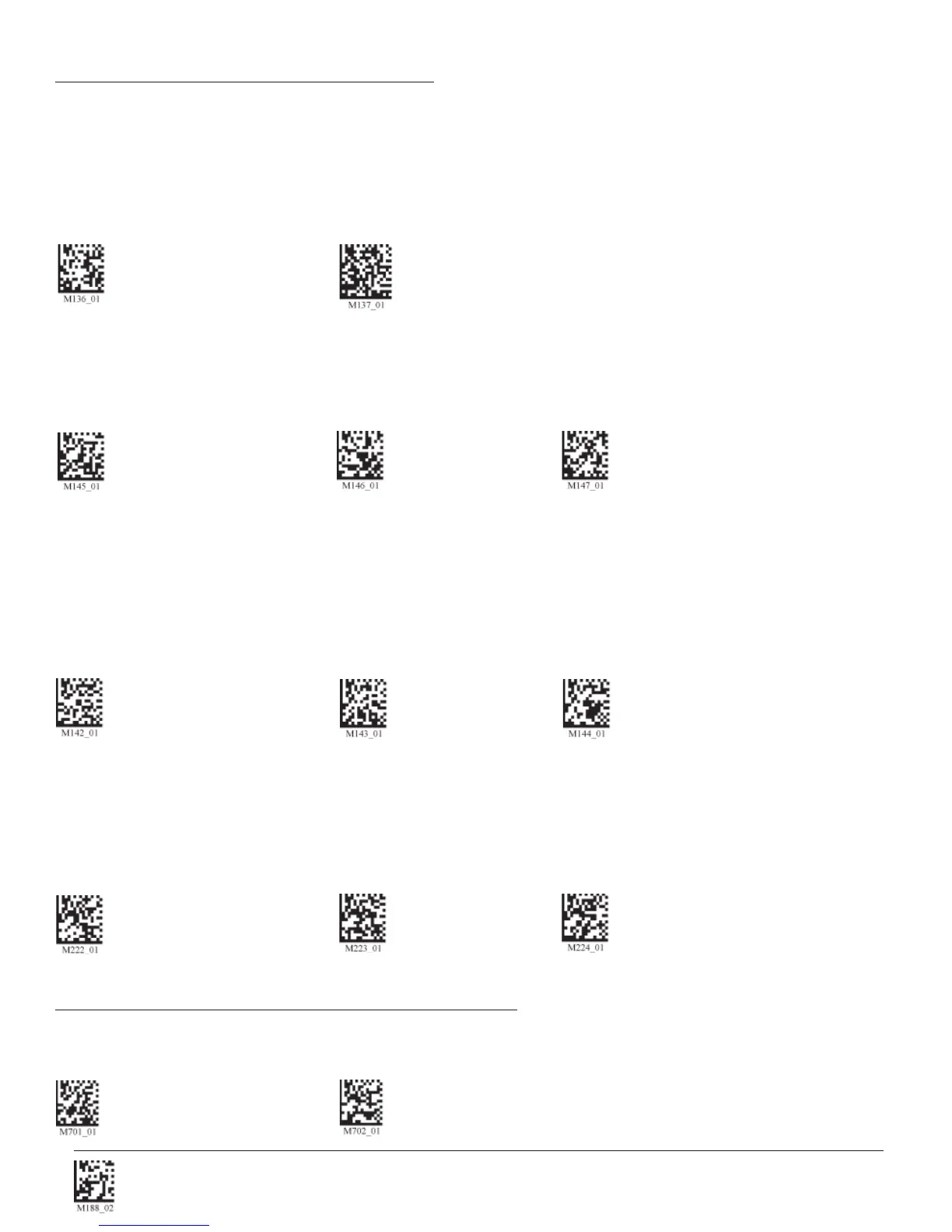
Scan one of the codes below to set the amount of time a cabled CR2 will operate in continuous scan mode before entering
sleep mode:
Cabled - 2 hours Cabled - Always (Default)
Scan one of the codes below to set the amount of time an uncabled CR2 will operate in continuous scan mode before
entering sleep mode:
Uncabled - 5 minutes (Default) Uncabled - 15 Minutes Uncabled - 30 Minutes
Note: This function is only recommended for short term use because of battery consumption.
2.11.2 - Continuous Scan - Trigger Delays
Scan the following codes to set delay time between scans:
0 Seconds (Default) 1 Second 3 Seconds
2.11.3 - Continuous Scan - Duplicate Scan Delay
Scan the following codes to set the delay time for reading duplicate codes:
0 Seconds (Default) 1 Second 3 Seconds
2.11 - Continuous Scan Settings
2.12 - Motion Detection Scan Settings
Scan the following codes to set the reader to read when it detects motion in its scanning zone.
On Off (Default)


 To Next Page