C001537_15_CR2_User_Manual 56
Save Settings
6.1 - Prefi x Settings
If you scan the following codes, you will lose any unsaved settings. Make sure to save settings on your reader before
scanning the prefi x codes. If you scan more than one prefi x you will receive each scanned prefi x in your scanned data;
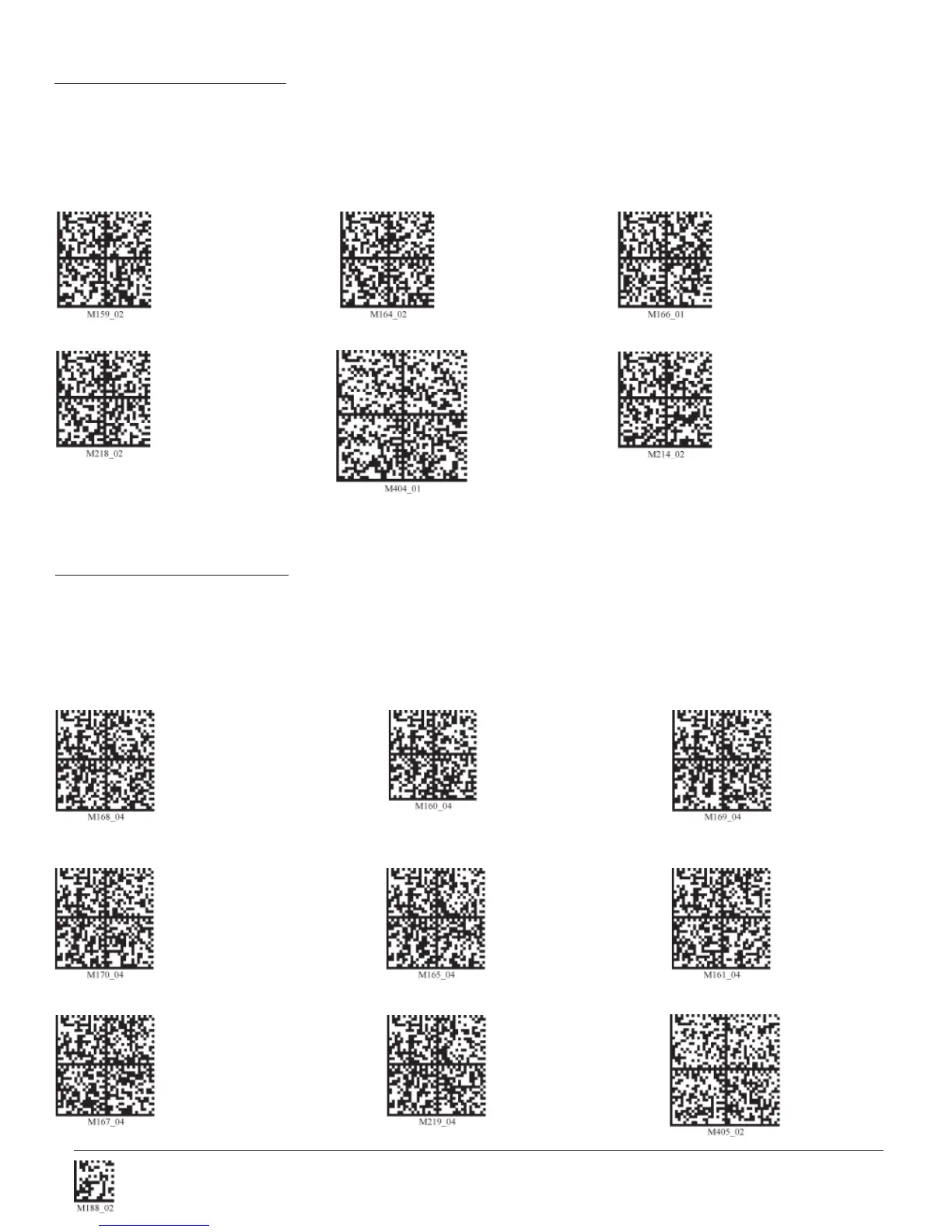
(i.e., if you scan comma prefi x twice, you will get two comma prefi xes). Scan the following codes to set appropriate prefi x:
Prefi x - Comma Prefi x - Space Prefi x - Tab
(Keyboard Mode)
Prefi x - Tab (Serial) Prefi x - Erase Prefi x - Carriage Return Line Feed
(Serial)
Note: If you require a special confi guration, please contact Code at (801) 495-2200 or email appeng@codecorp.com.
6.2 - Suffi x Settings
If you scan the following codes, you may lose your current settings. Make sure to save settings on your reader before
scanning the Suffi x codes. If you scan more than one suffi x you will receive each scanned suffi x in your scanned data;
(i.e., if you scan comma suffi x twice, you will get two comma suffi xes). Scan the following codes to set appropriate suffi x:
Suffi x - Carriage Return
(Serial) Suffi x - Comma Suffi x - Line Feed (Serial)
Line Feed (Serial) Suffi x - Space Suffi x - Enter (Keyboard Mode)
Suffi x - Tab (Keyboard Mode) Suffi x - Tab (Serial) Suffi x - Erase
Suffi x - Carriage Return


 To Next Page