C001537_15_CR2_User_Manual 42
Save Settings
3.14 - Micro PDF417 Symbology
Scan the following codes to enable/disable micro PDF 417 symbology settings:
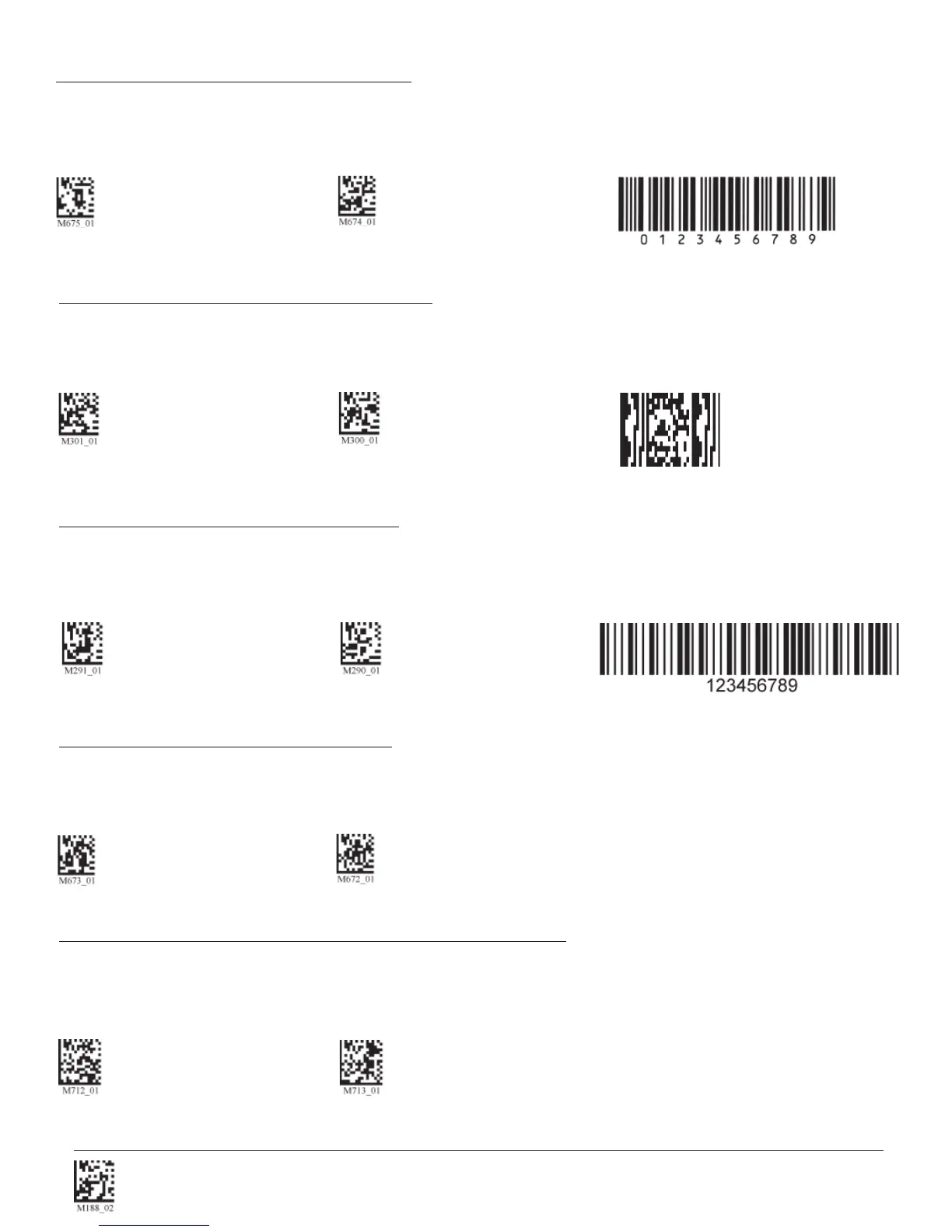
MicroPDF417 On MicroPDF417 Off (Default) Sample MicroPDF417
Scan the following codes to enable/disable Matrix 2 of 5 symbology settings:
Matrix 2 of 5 On (Default) Matrix 2 of 5 Off Matrix 2 of 5 Sample
3.13 - Matrix 2 of 5 Symbology
3.15 - MSI Plessy Symbology
Scan the following codes to enable/disable MSI Plessy symbology settings:
MSI Plessy On MSI Plessy Off (Default) Sample MSI Plessy
3.16 - NEC 2 of 5 Symbology
Scan the following codes to enable/disable NEC 2 of 5 symbology settings:
NEC 2 of 5 On NEC 2 of 5 Off (Default)
Purchase of OCR license required.
3.17 - Optical Character Recognition (OCR)
The Code Reader can read Optical Character Recognition (OCR) texts. The following codes can be used to en-
able/disable this feature. Fonts supported include Passport, ISBN, Price, MICR13, and a user defi ned template:
Disable OCR (Default) Enable OCR


 To Next Page