Industrial Protocols
The DataMan 360 readers support the following industrial protocols:
l EtherNet/IP™
l PROFINET
l SLMP Protocol
l Modbus TCP
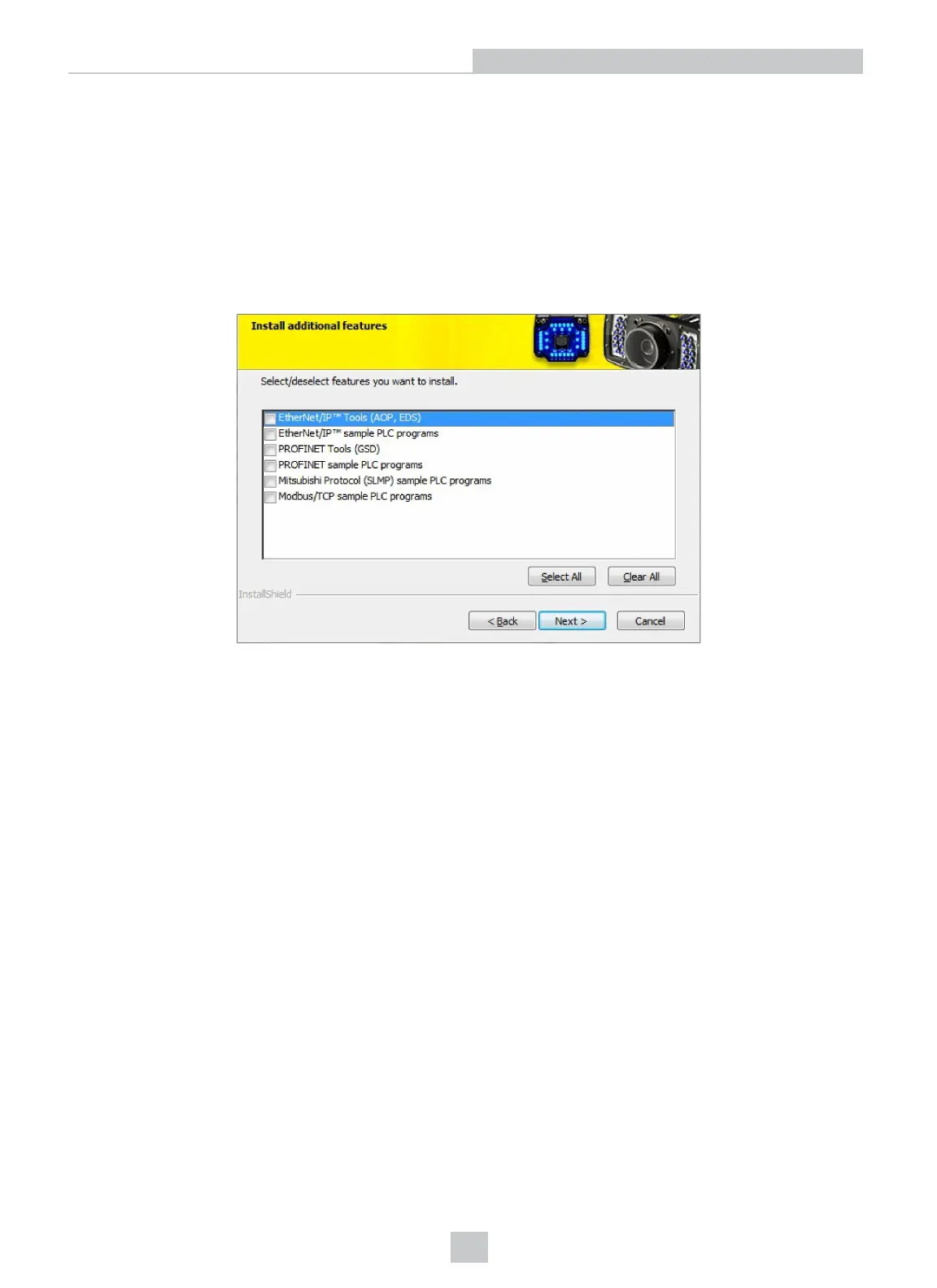
Select industrial protocol samples and tools you want to use when you install the DataMan Setup Tool.
There are three ways to enable or disable industrial protocols. Using either method, a reboot is required for the changes
to come into effect.
l Enable the protocols using the Industrial Protocols pane of the DataManSetup Tool (under Communications).
l Scan the appropriate Reader Configuration codes (see Reader Configuration Codes available through the
Windows Start menu or the Setup Tool Help menu).
l Send the appropriate DMCC (see Command Reference available through the Windows Start menu or the Setup
Tool Help menu).
For more information on using the industrial protocols, see the DataMan Industrial Protocols Manual available through
the Windows Start menu or the Setup Tool Help menu.
DataMan 360 Series Triggering
DataMan 360 readers support the following trigger modes:
l Self: At an interval you configure, the reader automatically detects and decodes codes in its field of view. If you
set a higher re-read delay than the trigger interval, there is a code output only once until the code is out of the
field of view for the duration of the re-read delay.
l Single (external trigger): Acquires a single image and attempts to decode any symbol it contains, or more than
one symbol in cases where multicode is enabled. The reader relies on an external trigger source.
l Presentation: Scans, decodes and reports a single code in the field of view. The reader relies on an internal
timing mechanism to acquire images.
45
Using Your DataMan 360













 To Next Page