External Triggers
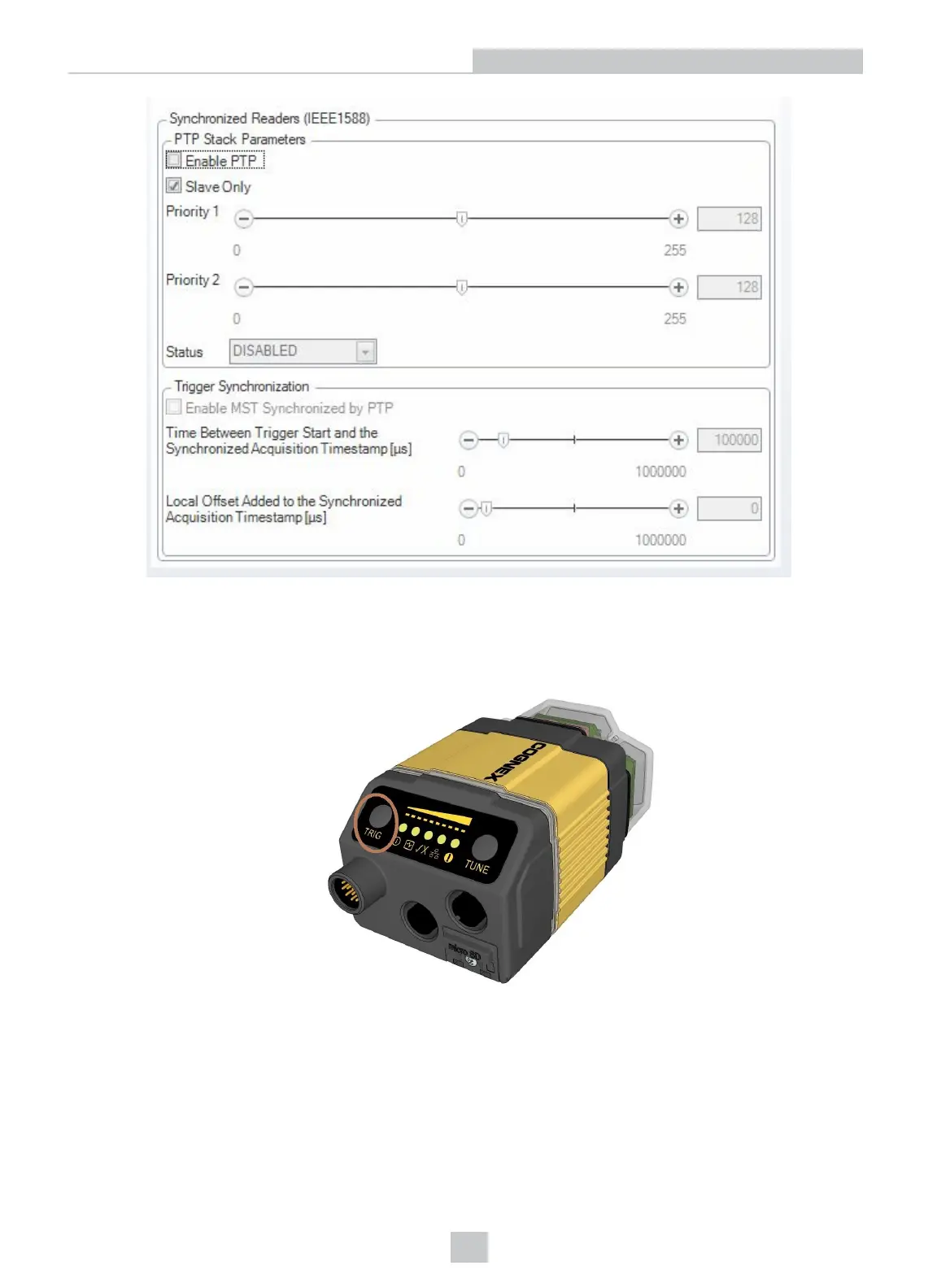
If you are using external triggering, you can use any of the following methods to trigger your DataMan 360 reader:
l Press the trigger button on the reader.
l Send a pulse on the I/O cable:
l Trigger + (orange or red)
l Trigger - (black)
l Send a serial trigger command over the RS-232 connection or Ethernet connection.
l Press <CTRL-T> on the keyboard while the DataMan Setup Tool has the input focus.
47
Using Your DataMan 360













 To Next Page