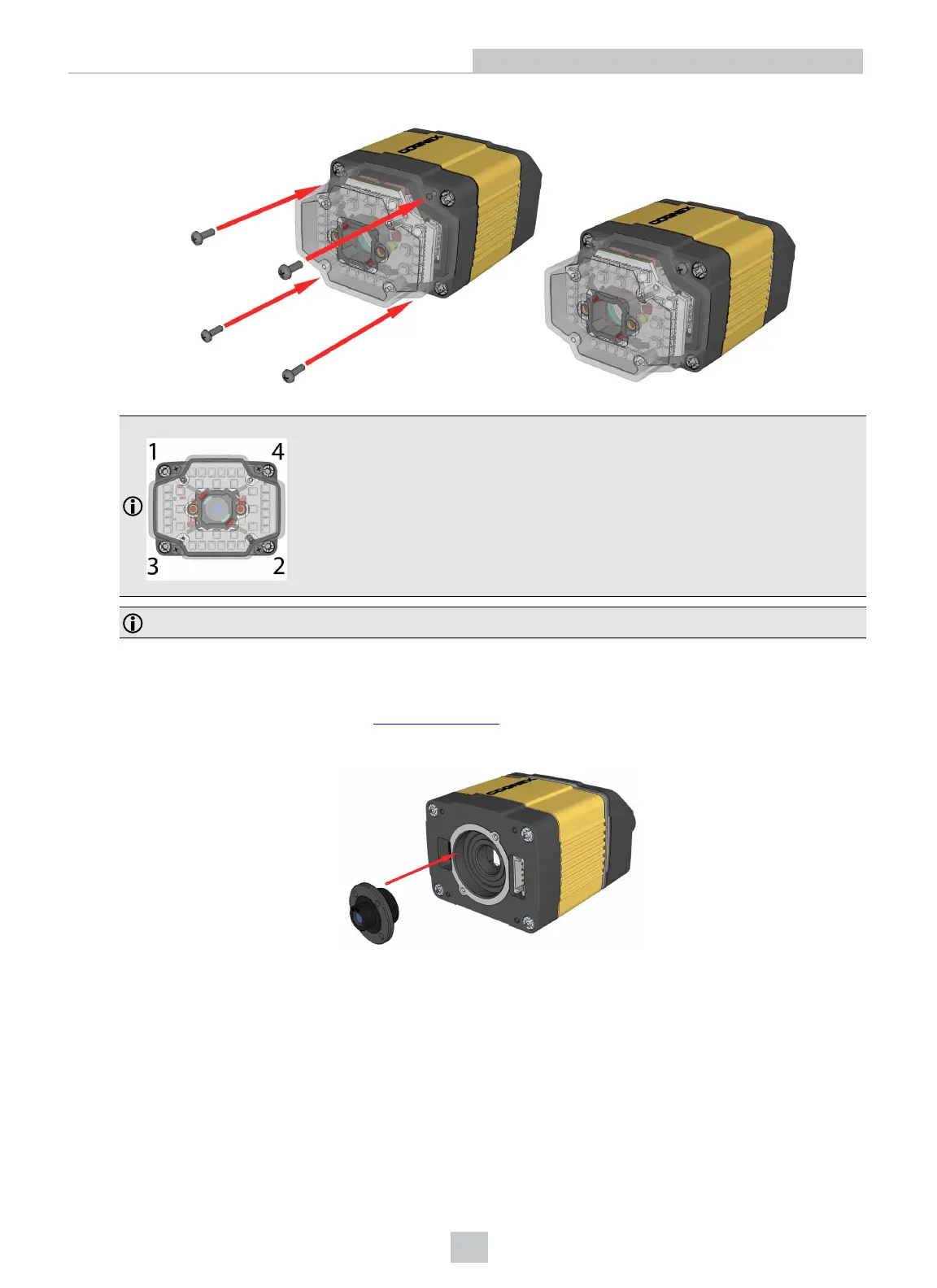
7. Insert and tighten the screws.
PHILLIPS PAN HEAD M2X6mm
Note: Tighten in sequence. Torque limit: 9 Ncm (0.8 in-lbs).
Note: Remove the protection film applied to the front cover before usage!
Installing a Liquid Lens
1. Remove the lens plug as described in Installing The Lens.
2. Thread the lens into the reader.
17
Setting Up Your DataMan 360













 To Next Page