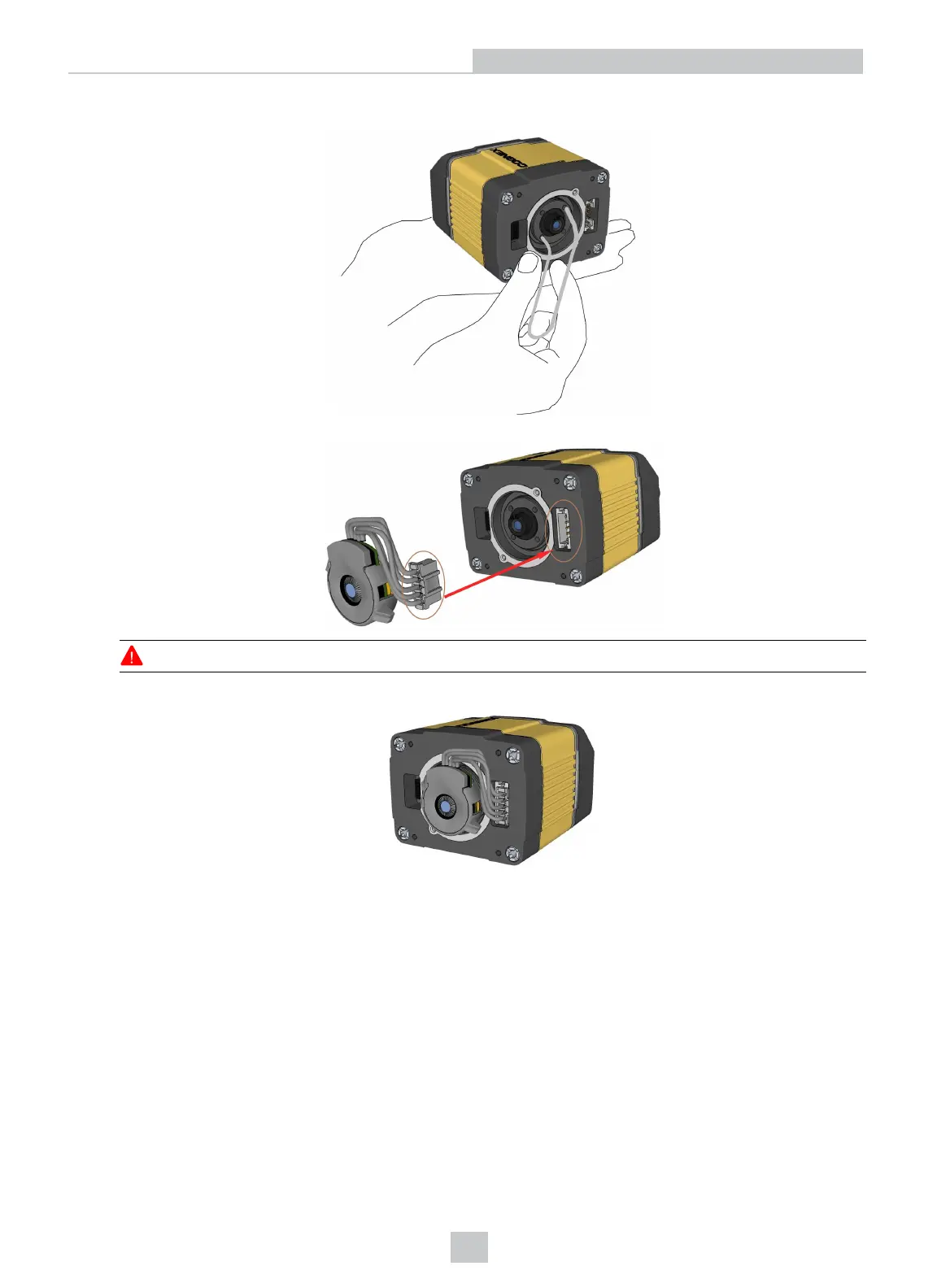
3. Tighten the locking ring.
4. Connect the liquid lens cable to the reader.
WARNING: To avoid equipment damage, the cables must be routed as shown in the figure.
5. Snap the liquid lens module onto the nose of the lens, making sure that it lies flat.
18
Setting Up Your DataMan 360













 To Next Page