Manual Focus Lens
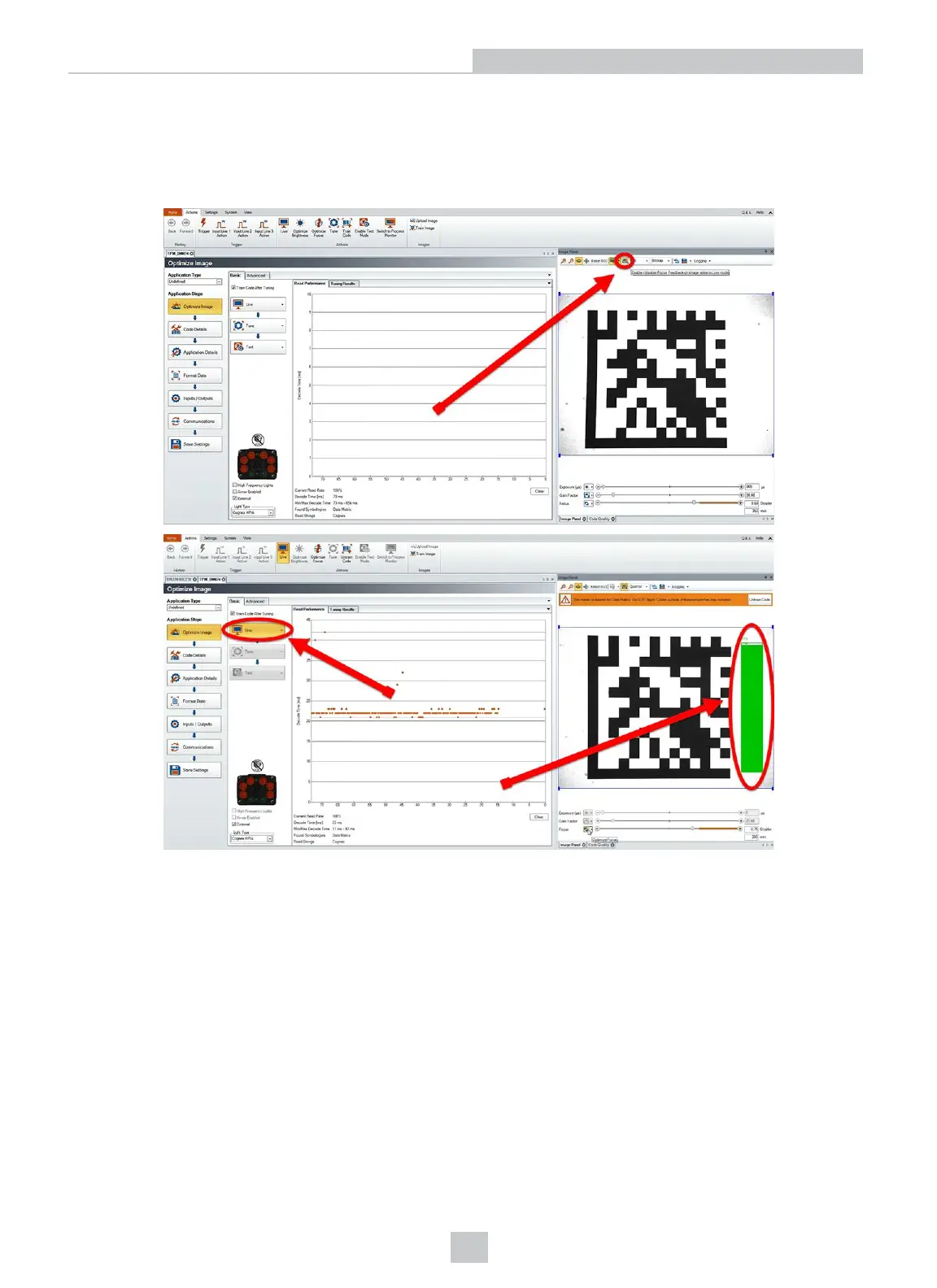
Click the Focus Feedback button in the image panel in SetupTool to enable focus feedback.
This enables a color-coded focus feedback bar on the right side of the image panel. Once focus feedback is enabled,
enter live mode and manually adjust the lens until the focus feedback bar is green.
Focus Feedback
Focus is indicated by colors ranging from red (bad focus) to green (sharp focus). When focusing the reader, you need to
adjust its position until the focus column becomes green.
32
Setting Up Your DataMan 360













 To Next Page