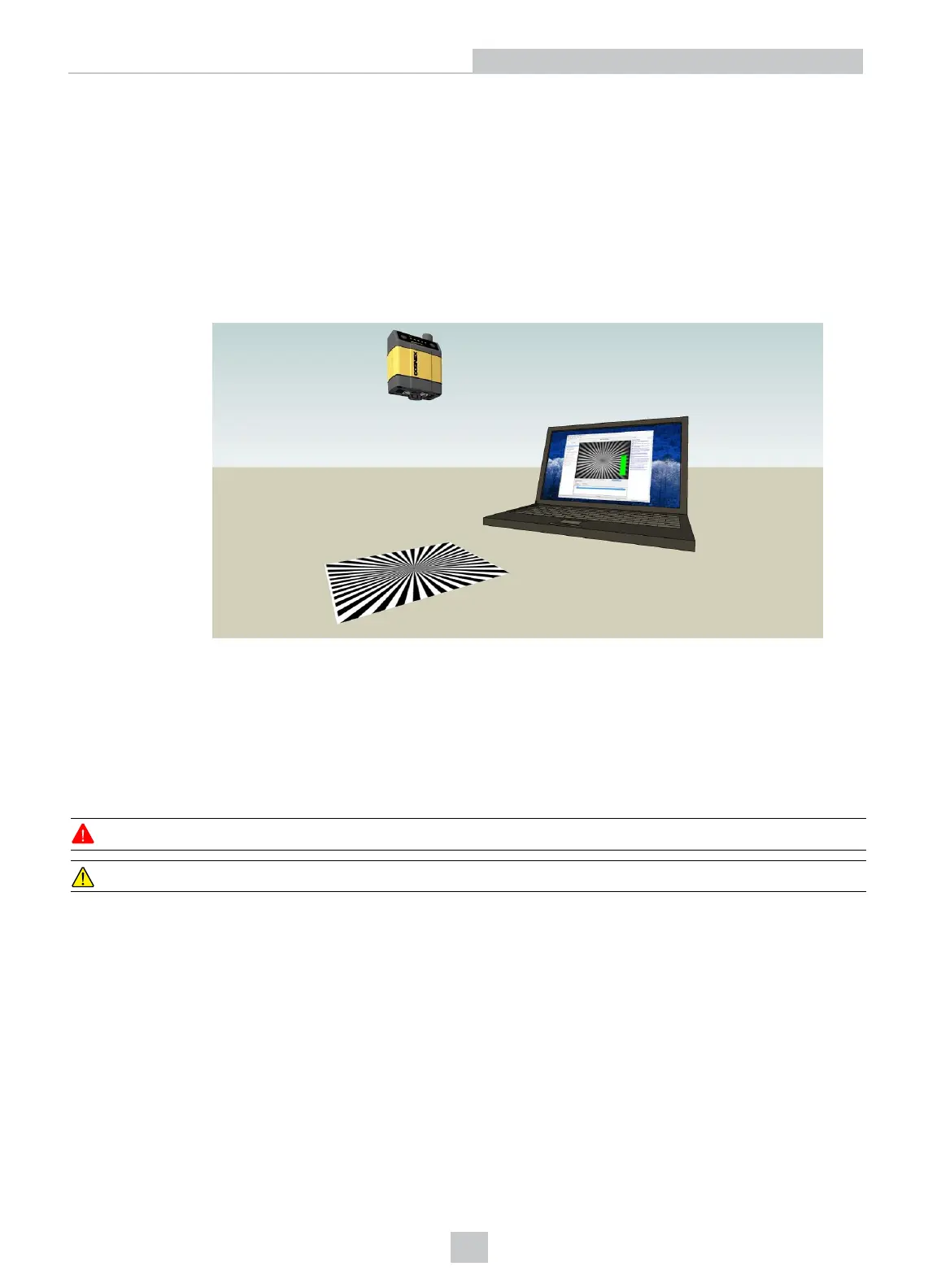
6. Place the reader at the desired working distance from focus target.
a. Connect the reader to the Setup Tool.
b. On the Optimize Image page, check the Focus Feedback option from the drop-down menu of the Live
button.
c. Use the DataMan Focus Target template, available through the Windows Start menu or the Setup Tool
Help menu, to align the edge of the reader body to the line marked with the target distance used in your
application.
d. Adjust focus for maximum sharpness. Enhance image quality in the DataMan Setup Tool for better
guidance.
Installing the 24 mm Liquid Lens Module with HPIL
The possible hardware configurations using a 24 mm liquid lens module with a DataMan 360 series reader is the
following:
l DM3xx-system + DM300-LENS-24LL + DM360-HPIL-RE-01 / DM360-HPIL-RE-P-01
To install a 24 mm liquid lens module of a DataMan 360series reader, perform the following steps:
WARNING: Disconnect the DataMan reader from power before continuing.
CAUTION: Do not leave the image sensor exposed to the environment.
19
Setting Up Your DataMan 360













 To Next Page