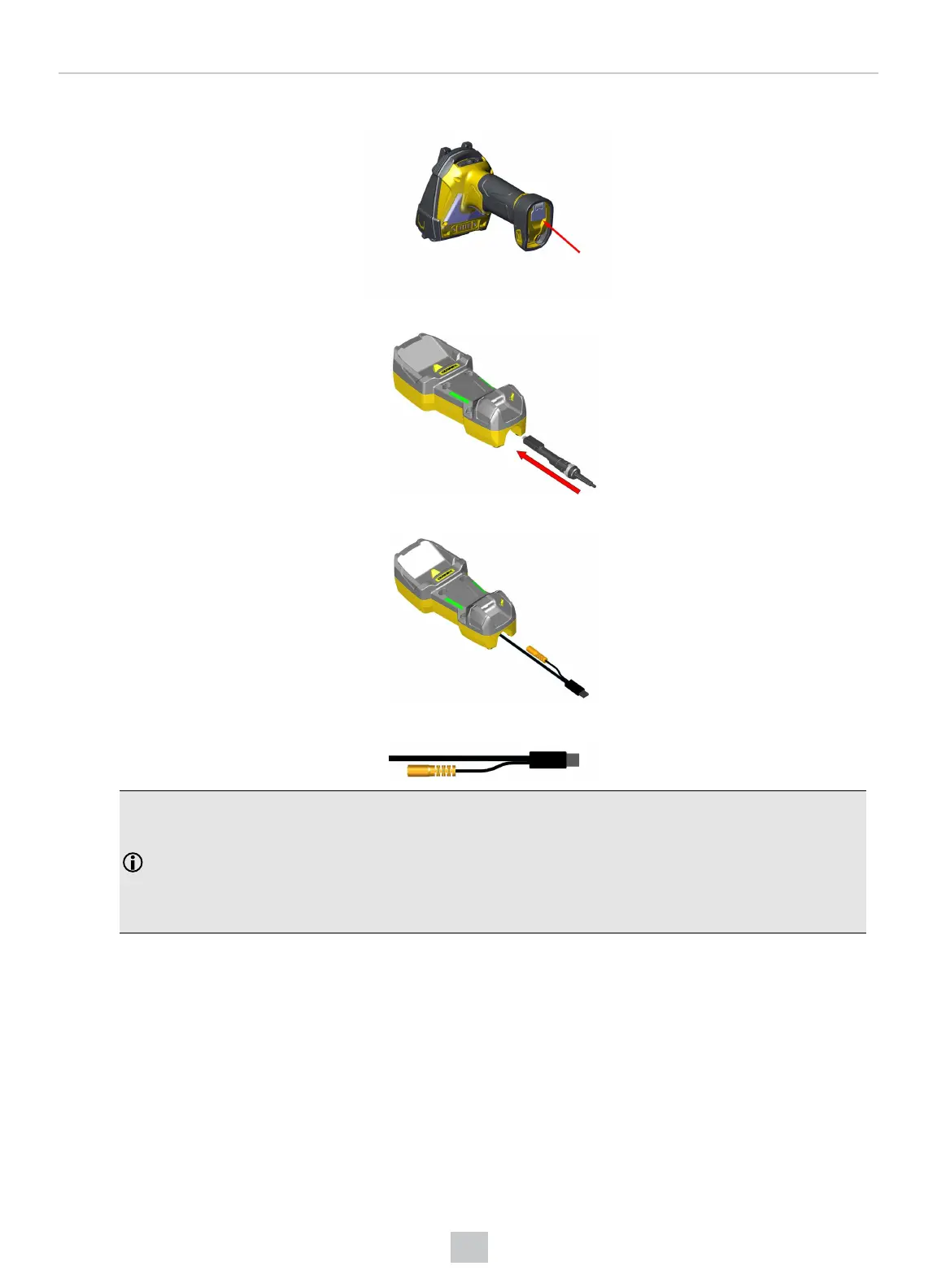
2. Press the metal tab until you hear a click to close the end cap.
3. Connect the USB or RS-232 cable with external power or the Power over Ethernet (PoE) cable to the base station.
4. Connect the other end of the cable to the computer or to the hub.
5. If using PoE cable, skip this step. For cables with RS-232 or USB-A connector, connect the 5.5 V power supply.
Note:
When you connect the reader through USB, always use a power supply. When using a DM8700 DX with a USB
cable (DMC-HH-USBA-02 or DMC-HH-USBC-02) or base station, make sure to connect the USB connector to a
USB hub that stays enabled even if the PC or notebook goes to sleep.
When using other models including base station, connecting to a USB hub that is always enabled is not
obligatory, but strongly recommended.
33
Connection Options













 To Next Page