Introduction
2
1.3 Initial Setup Checklist
Install the In-Sight Software on a Windows PC
Determine the Network Configuration
Configure the PC’s Network Settings (Non-DHCP)
Verify Required Hardware Components
Attach the Mirror for Horizontal Operation (Optional)
Mount the Wafer Reader
Connect the Network and Breakout Cables
Add the Wafer Reader to the Network
Log On to the Wafer Reader
Acquire an Image
Adjust the Focus
Define Config Settings: OCR, Barcode or 2D Mark*
Tune the Config*
Configure the Input/Output*
Test Network Settings (Optional)*
Test Serial Settings (Optional)*
*Refer to the In-Sight
®
Explorer Help file for more information.


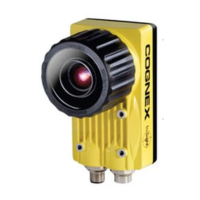
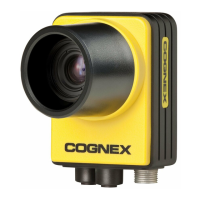

 To Next Page