Installing In-Sight
®
1720 Series Wafer Readers
23
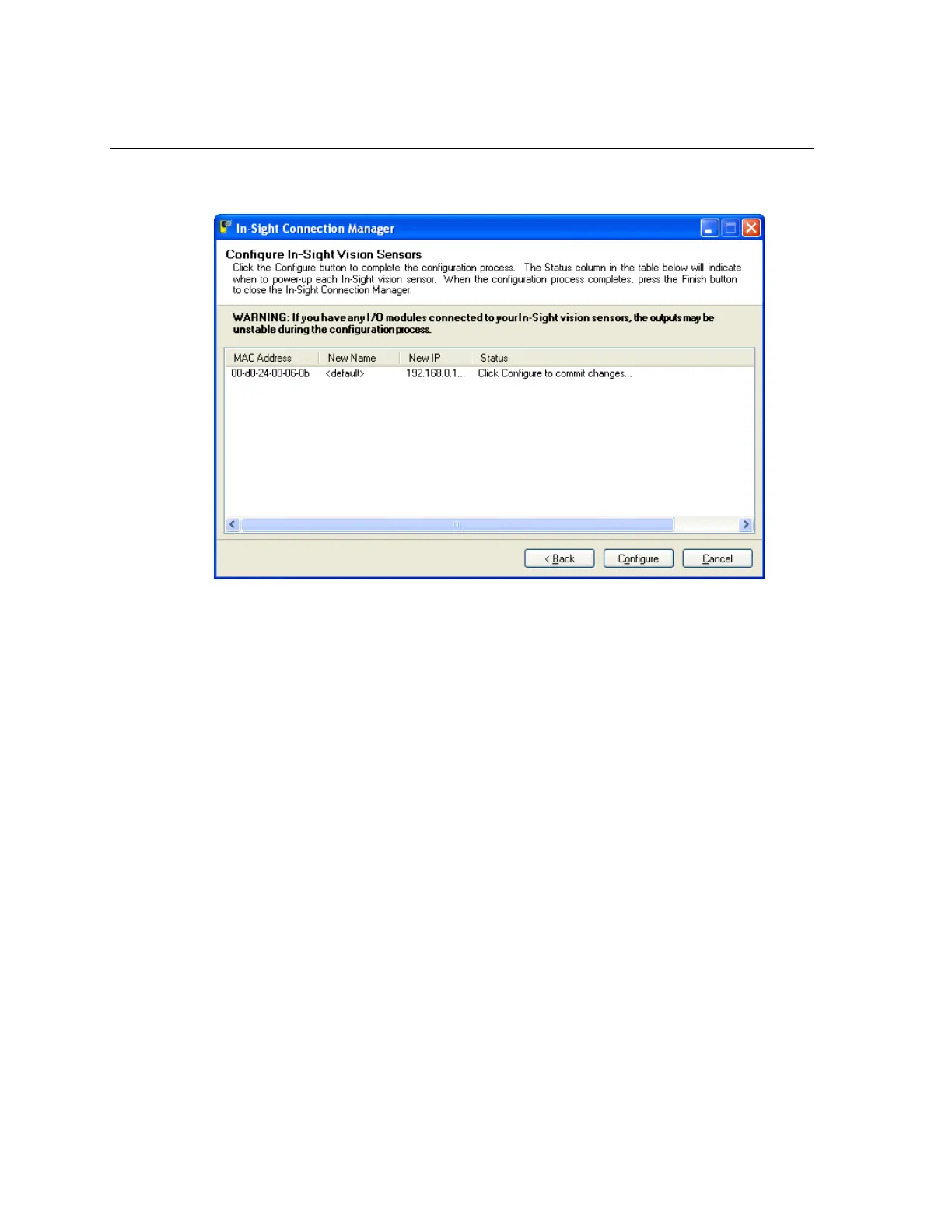
15. Click Configure (Figure 4-6).
Figure 4-6: Configure In-Sight Vision Sensors
16. For every wafer reader in the table, disconnect the power for five seconds and
reconnect it. The status text will change once the new network settings have been
confirmed.
17. Once all wafer readers have been configured, click Finish.



 To Next Page