11
3 Install the Wafer Reader
In this Section…
3.1 Verify Required Hardware Components........................................ 11
3.2 Attach the Mirror for Horizontal Operation (Optional) .................... 12
3.3 Mount the Wafer Reader............................................................... 13
3.4 Connect the Network and Breakout Cables .................................. 15
This section describes the connection of the wafer reader to its standard and optional
components. For a complete list of options and accessories, contact your Cognex sales
representative.
3.1 Verify Required Hardware Components
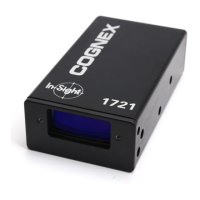
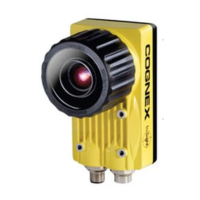
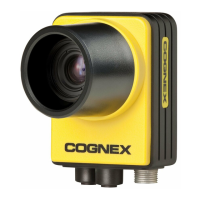
• In-Sight 1720 Series Wafer Reader
• 24VDC Power Supply and Adapter
• Network Cable
• Breakout Cable
• Mirror for Horizontal Operation (Optional)



 To Next Page