Configure the Wafer Reader
18
4.1.2 Install to a Non-DHCP Network
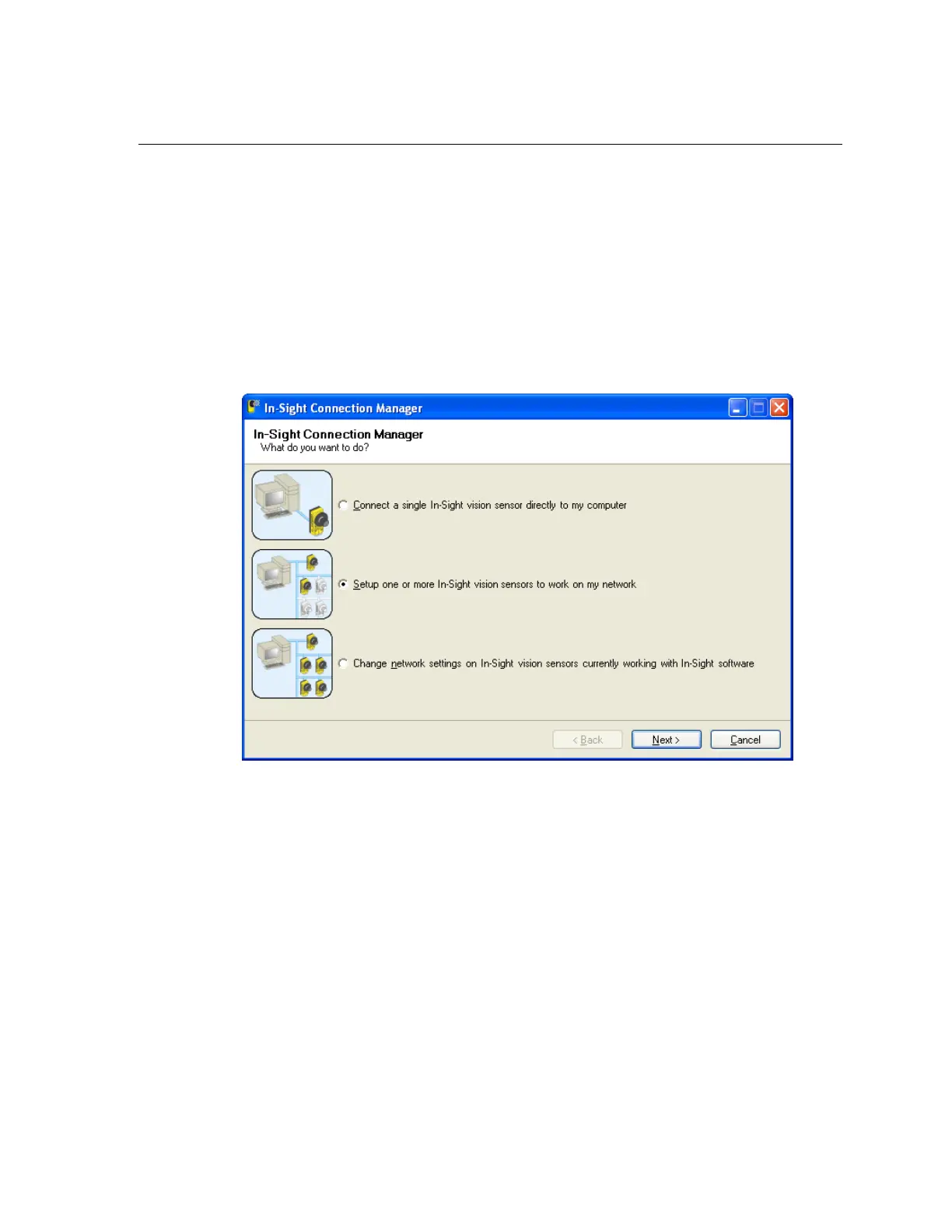
To install the wafer reader on a network that does not provide a DHCP server, use the
In-Sight Connection Manager to configure the wafer reader's network settings.
1. Ensure that the wafer reader is connected to the network and has power.
2. Open the In-Sight Connection Manager from the In-Sight Wafer ID 3.x.x program
group on the Start Menu.
3. Select the second option, “Setup one or more In-Sight vision sensors to work on my
network” (Figure 4-1).
4. Click Next.
Figure 4-1: In-Sight Connection Manager



 To Next Page